

Introduction
Online security has become increasingly important as people depend on digital services for communication, shopping, banking, education, and professional activities. Traditional passwords have protected online accounts for many years, but they also create several security challenges.
Weak passwords, repeated credentials, phishing attacks, and stolen login information can expose personal and business accounts to cybercriminals.
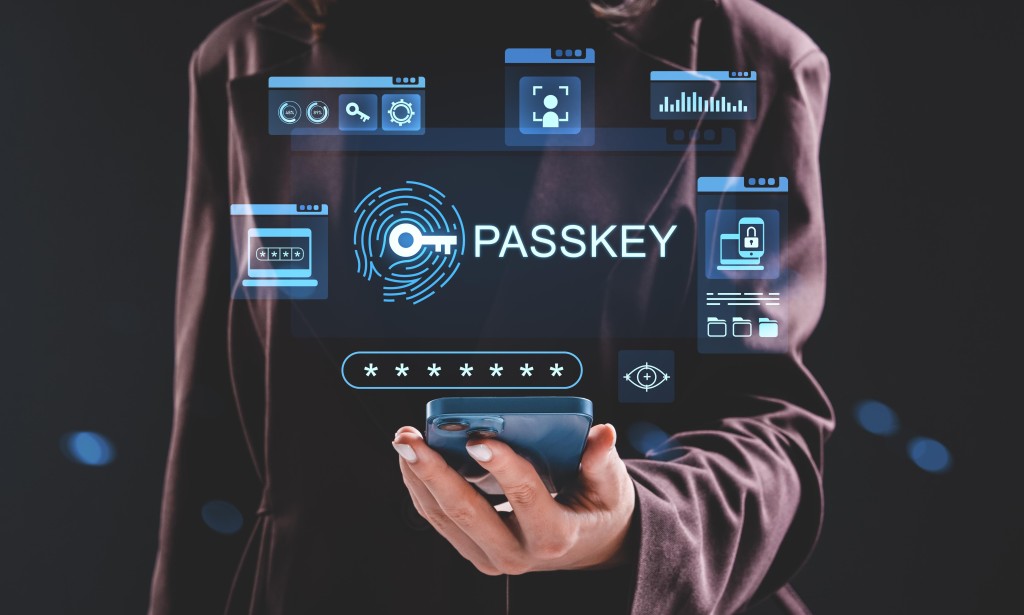
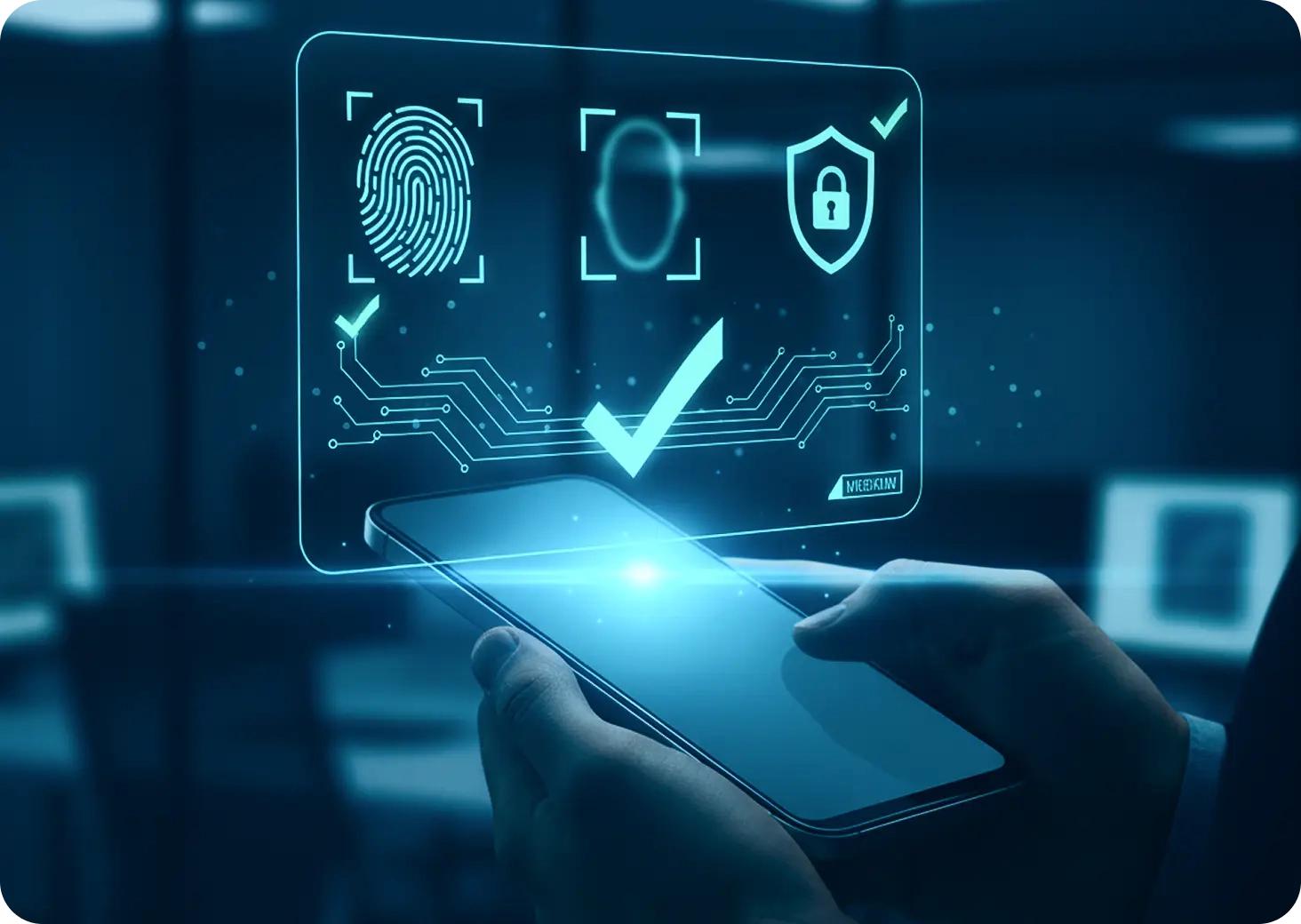
Passkeys are emerging as an alternative to traditional passwords. They allow users to access supported websites and applications through fingerprint recognition, facial recognition, a device PIN, or another supported screen lock method.
In 2027, passwordless authentication is gaining significant attention as technology companies and online platforms continue improving account security.
1. What Are Passkeys?
Passkeys are digital authentication credentials that allow users to sign in without entering a traditional password.
Instead of remembering a complicated password, users can verify their identity using their smartphone, computer, or another supported device.
For example, when signing into a website, a user may select their account and confirm their identity using a fingerprint or device PIN.
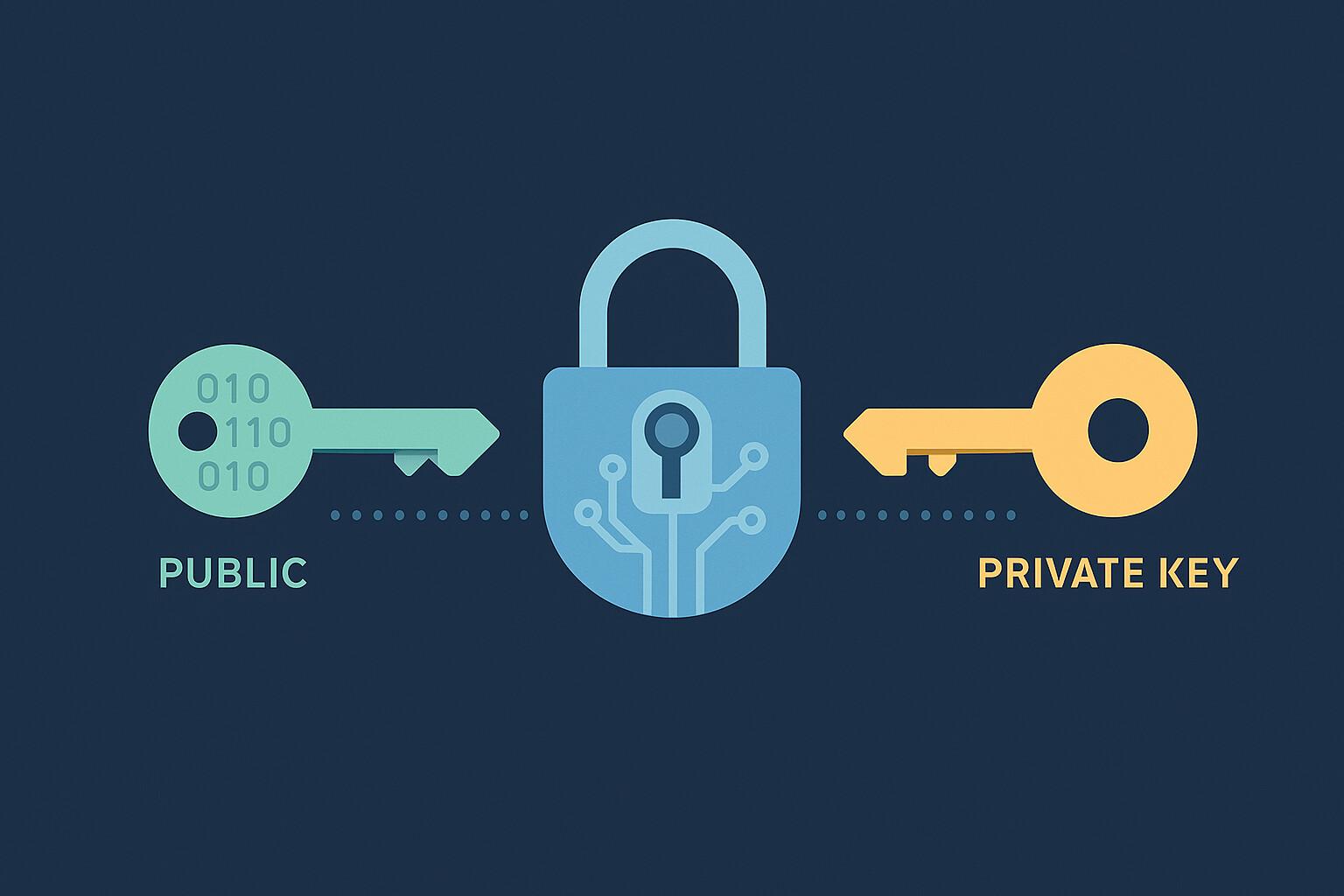
Passkeys are based on public-key cryptography. A website stores a public key, while the corresponding private key remains protected by the user's device or credential manager.
This approach reduces the need for websites to store traditional passwords.
2. Why Are Passkeys Becoming Popular in 2027?
Passkeys are gaining popularity because they address several problems associated with traditional authentication.
According to the FIDO Alliance's 2027 Passkey Index, more than one-third of successful sign-ins across the participating services used passkeys.
The report also found that passkey sign-ins were nearly three times faster than signing in without a passkey.
Several factors are contributing to their adoption:
Improved protection against phishing attacks.
Faster account authentication.
Reduced dependence on passwords.
Convenient login experiences.
Better integration with modern smartphones and computers.
Reduced password-reset requirements.
These benefits are encouraging businesses to introduce passwordless authentication.
3. How Do Passkeys Work?
Passkeys use a cryptographic process to verify that a user is accessing the correct website or application.
The process generally involves the following steps:
Step 1: Create a Passkey
A user signs into a supported website and selects the option to create a passkey.
The device generates a cryptographic key pair associated with the account.
Step 2: Store the Credential
The private key is protected by the user's device or supported password manager. The website receives and stores the corresponding public key.
Step 3: Start a Login Session
When the user returns, the website sends an authentication challenge.
The user's device uses the private key to respond to that challenge.
Step 4: Verify Identity
The device asks the user to authenticate through a fingerprint, facial recognition, PIN, or another supported method.
The website verifies the cryptographic response and grants access if authentication succeeds.
This process allows users to access accounts without manually entering passwords.
4. Passkeys vs Traditional Passwords
Traditional passwords and passkeys both provide account authentication, but they work differently.
Feature | Traditional Passwords | Passkeys |
|---|---|---|
Login method | Enter password | Device authentication |
Phishing resistance | Limited | Strong |
Memorization | Required | Not normally required |
Server storage | Password verifier | Public key |
Repeated credentials | Common risk | Account-specific credentials |
Login experience | Manual entry | Device-assisted |
Passkeys offer important security advantages, particularly because their authentication is associated with the identity of the website or application.
However, account recovery and device security remain important considerations.
5. How Passkeys Protect Against Phishing Attacks
Phishing is a cyberattack in which criminals attempt to trick users into revealing sensitive information through fake websites, messages, or emails.
Traditional passwords can be stolen when users enter them into fraudulent login pages.
Passkeys reduce this risk through website-bound authentication.
The browser and operating system check the identity of the website before allowing the passkey to authenticate.
A passkey registered for a legitimate website cannot simply be used on an unrelated fraudulent domain.
This makes passkeys a valuable tool for reducing phishing related account compromises.

6. Where Can You Use Passkeys?
Passkeys are supported by an increasing number of digital platforms and services.
Examples include:
Google accounts and supported Google services.
Apple accounts and supported Apple services.
Microsoft accounts and compatible services.
Shopping and e-commerce platforms.
Financial services that support passkey authentication.
Other websites and applications implementing FIDO standards.
Availability depends on the individual platform, account settings, device, and operating system.
Before creating a passkey, users should check whether the official website or application supports this feature.
7. Benefits of Passkeys for Businesses
Businesses handle sensitive customer information, employee accounts, financial records, and internal systems.
Traditional password management can create operational challenges, including forgotten passwords, password-reset requests, and phishing-related security incidents.
Passkeys can help organizations improve authentication in several ways.
Reduced Password Management
Employees do not need to remember separate complex passwords for every supported account.
Improved Security
Phishing-resistant authentication can reduce exposure to credential theft.
Better User Experience
Employees and customers can access supported services with fewer login steps.
Lower Support Requirements
Organizations may reduce some password-reset requests and related support costs.
For e-commerce businesses, a smoother login experience may also reduce unnecessary friction during customer interactions.

8. Are Passkeys Completely Safe?
Passkeys provide strong protection, but no authentication technology eliminates every security risk.
Users should understand several important considerations.
Device Security: If someone gains unauthorized access to an unlocked device, they may also gain access to accounts.
Account Recovery: Losing access to a device or credential manager can create recovery challenges.
Social Engineering: Criminals may still attempt to trick users into revealing personal information or approving fraudulent activities.
Malware: Compromised devices can create additional security risks.
Backup Protection: Users should understand how their passkeys are synchronized and recovered.
A secure device, updated software, and careful account management remain essential.
9. How to Create and Use a Passkey
The exact process depends on the website and device, but the general steps are straightforward.
Open the official website or application.
Sign in using your existing authentication method.
Open the account security or sign-in settings.
Find the Passkeys option.
Select Create a Passkey.
Follow the device authentication instructions.
Confirm that the passkey has been registered successfully.
When signing in again, select the passkey option and authenticate using your supported device.
Users should also review their account recovery options before relying exclusively on passwordless authentication.
10. The Future of Passwordless Authentication
Passwordless authentication is becoming an important part of modern digital security.
Technology companies, software developers, financial institutions, and online businesses are exploring ways to make account access easier and more secure.
As passkey support expands, users may become less dependent on traditional passwords.
Future improvements may focus on cross-device authentication, credential portability, account recovery, and better integration with business identity systems.
The transition will take time because many organizations still operate older systems that depend on password-based authentication.
Nevertheless, passkeys represent an important development in the evolution of online security.
Frequently Asked Questions (FAQs)
1. What is a passkey in simple words?
A passkey is a digital login credential that lets you access supported accounts using a fingerprint, face recognition, PIN, or another device authentication method instead of typing a password.
2. Are passkeys safer than passwords?
Passkeys provide stronger protection against phishing because they are associated with the identity of the website or application. They also avoid the traditional password-sharing process.
3. Can I use passkeys on my smartphone?
Yes. Supported smartphones can create and use passkeys through compatible operating systems, browsers, and credential managers.
4. What happens if I lose my phone?
Recovery depends on where your passkey is stored and whether it is synchronized with a supported credential manager. Users should configure recovery methods and keep access to their account recovery options.
5. Will passkeys completely replace passwords?
Passkeys may eventually replace passwords for many services, but traditional passwords will likely remain available during the transition. Some websites and older systems still depend on password authentication.
Conclusion
Passkeys are changing how people access their online accounts by introducing a more convenient and phishing-resistant alternative to traditional passwords.
Their use of public-key cryptography, device-based authentication, and website-specific verification offers important security benefits for individuals and organizations.
Although challenges involving account recovery, device protection, and compatibility remain, passwordless authentication is becoming an increasingly important part of modern cybersecurity.
For individuals and businesses, understanding passkeys today can help prepare for a more secure digital future.
For more technology updates, digital developments, and informative articles, visit Mashriq News and explore the latest information.









Comments 0
Sign in to join the conversation.
No comments yet. Be the first to say something.