


Table of Contents
- What is a Phishing Attack?
- Common Types of Phishing Scams
- How Cybercriminals Execute Phishing Attacks
- Warning Signs of a Phishing Attempt
- Best Practices to Avoid Phishing Attacks
- What to Do If You Fall Victim to a Phishing Attack
1. What is a Phishing Attack?
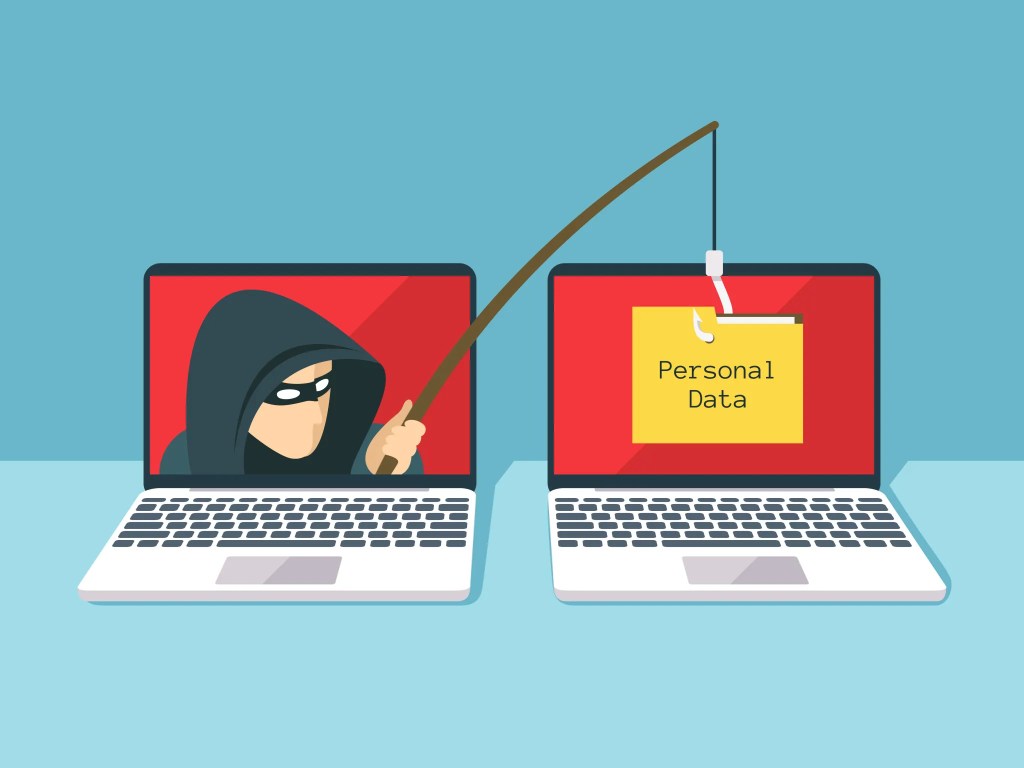
Phishing is a cyber-attack where hackers disguise themselves as trustworthy sources—such as banks, online services, or even colleagues—to trick individuals into providing sensitive information. These attacks often occur through emails, messages, phone calls, or fraudulent websites. The goal of phishing is to steal credentials, financial information, or infect devices with malware.
2. Common Types of Phishing Scams
a. Email Phishing
Cybercriminals send fake emails that appear to be from legitimate sources, such as banks or social media platforms. These emails often contain malicious links or attachments that steal user data.
b. Spear Phishing
Unlike general phishing attacks, spear phishing targets specific individuals or organizations. Attackers use personalized messages that appear convincing to increase their chances of success.
c. Smishing (SMS Phishing)
In this method, attackers send fraudulent text messages containing malicious links or fake alerts, urging users to take immediate action.
d. Vishing (Voice Phishing)
Attackers call victims pretending to be customer service representatives or government officials to obtain sensitive information over the phone.
e. Clone Phishing
Cybercriminals replicate a legitimate email but modify the links or attachments to direct victims to fraudulent websites.
3. How Cybercriminals Execute Phishing Attacks
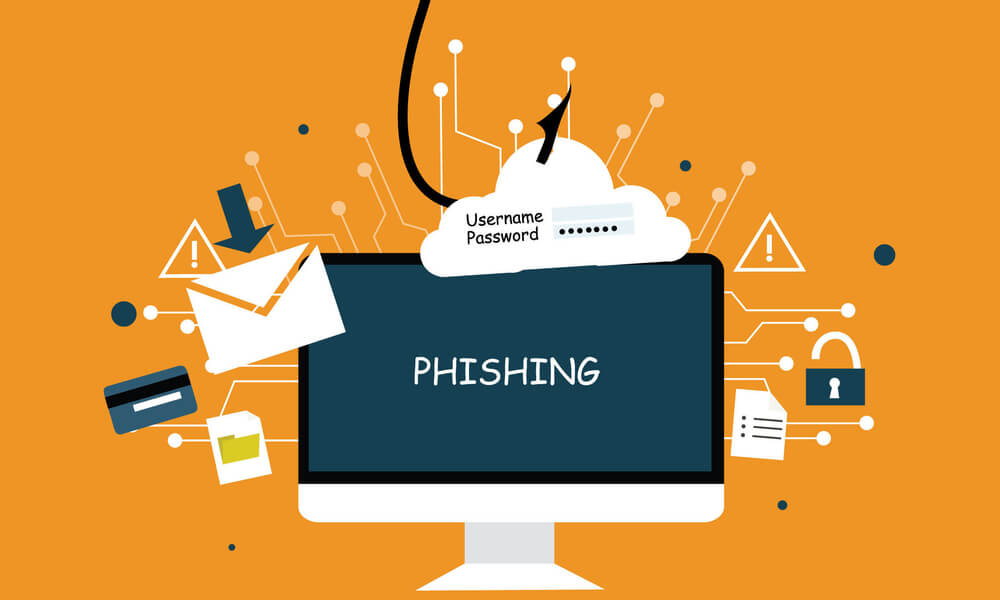
Phishing attacks rely on psychological manipulation and urgency. Attackers often:
- Create fake websites that look identical to real ones.
- Send emails claiming your account has been compromised and needs immediate action.
- Attach malware-infected files that activate upon download.
- Use social engineering tactics to build trust before extracting information.
4. Warning Signs of a Phishing Attempt
Recognizing phishing attempts can save you from potential cyber threats. Be cautious if you notice:
✅ Unusual Sender Addresses – Emails from unknown or misspelled domains (e.g., "[email protected]" instead of "[email protected]").
✅ Urgent or Threatening Language – Messages that pressure you to act quickly, such as “Your account will be suspended if you don’t respond.”
✅ Poor Grammar and Spelling – Many phishing emails contain grammatical mistakes and awkward wording.
✅ Suspicious Links and Attachments – Hover over links before clicking to verify their authenticity. Avoid downloading unsolicited attachments.
✅ Requests for Personal Information – Legitimate companies never ask for sensitive information like passwords via email.
5. Best Practices to Avoid Phishing Attacks
🔹 Use Strong and Unique Passwords
Enable multi-factor authentication (MFA) for additional security.
🔹 Verify Links Before Clicking
Check the URL of any website before entering credentials. A secure website should start with "https://".
🔹 Keep Software and Antivirus Updated
Regular updates help protect against security vulnerabilities that phishing attacks may exploit.
🔹 Be Skeptical of Unsolicited Messages
If you receive an unexpected email or call asking for sensitive details, verify the sender by contacting the company directly.
🔹 Educate Yourself and Others
Cyber awareness training can help individuals and businesses recognize phishing attempts more effectively.
6. What to Do If You Fall Victim to a Phishing Attack
If you suspect you've been phished, take the following steps immediately:
🚨 Change Your Passwords – Update all credentials for affected accounts.
🚨 Report the Attack – Inform your bank, email provider, or IT department about the incident.
🚨 Monitor Financial Transactions – Check your bank statements for unauthorized activity.
🚨 Run a Security Scan – Use antivirus software to detect and remove potential malware.
Conclusion
Phishing attacks continue to evolve, making cybersecurity awareness more critical than ever. By staying vigilant, recognizing red flags, and following best practices, you can significantly reduce the risk of falling victim to these scams. Always think twice before clicking on links, sharing sensitive information, or trusting unexpected messages.







Comments 0
Sign in to join the conversation.
No comments yet. Be the first to say something.