


Table of Contents
- Choose the Right New Hosting Provider
- Back Up Your Website Files and Database
- Set Up Your New Hosting Environment
- Migrate Your Website Files and Database
- Test Your Website Before Updating DNS
- Update DNS Records and Complete Migration
1. Choose the Right New Hosting Provider
Before migrating your website, selecting a reliable hosting provider is crucial. Consider the following when choosing a new host:
- Performance and Speed: Look for SSD hosting, high uptime, and fast server response times.
- Scalability: Ensure the host can handle future growth and traffic spikes.
- Support & Migration Assistance: Some hosting providers offer free website migration, reducing manual effort.
- Security Features: Look for SSL, DDoS protection, and automated backups.
Choosing a trustworthy hosting provider is the foundation of a successful migration with zero downtime.

2. Back Up Your Website Files and Database
Before making any changes, create a full backup of your website to avoid data loss. Here’s how:
- Manual Backup: Use FTP (File Transfer Protocol) clients like FileZilla to download all website files.
- Database Backup: Use phpMyAdmin to export your MySQL database.
- Backup Plugins: Tools like UpdraftPlus, All-in-One WP Migration, or BackupBuddy simplify backup creation.
Having a complete backup ensures that if anything goes wrong, you can restore your website instantly.
3. Set Up Your New Hosting Environment
Before migrating your website, prepare your new hosting environment:
- Create a New Database: In your hosting control panel, set up a new MySQL database, username, and password.
- Upload Necessary Software: If you're using WordPress or another CMS, ensure it's installed on the new host.
- Check PHP & MySQL Versions: Make sure the new hosting environment supports your website's requirements.
Setting up your new hosting environment correctly prevents compatibility issues during migration.

4. Migrate Your Website Files and Database
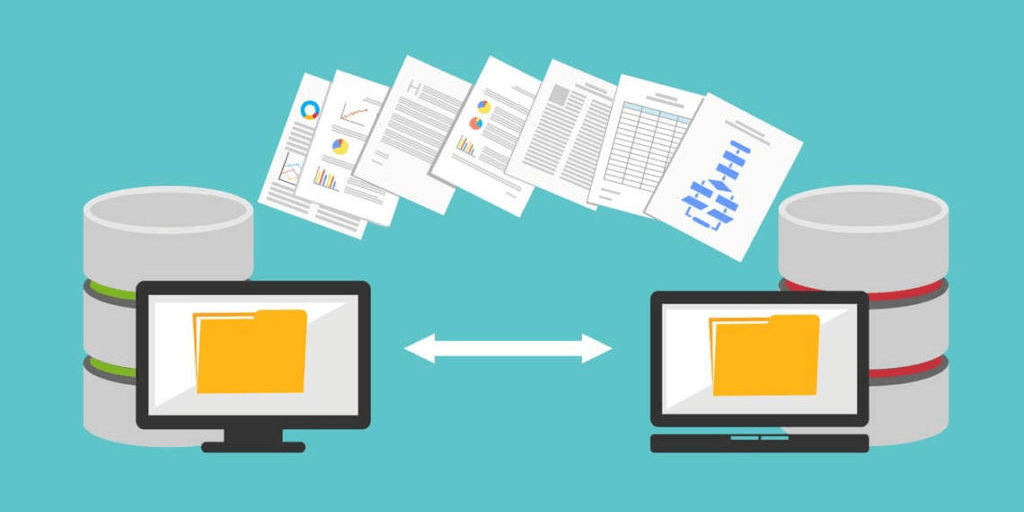
Now, transfer your website data to the new host while keeping your old host active.
- Upload Files via FTP: Use an FTP client to upload files to the new server.
- Import Database: Use phpMyAdmin to import your database backup into the new MySQL database.
- Update Configuration Files: Modify database connection settings in wp-config.php or other CMS config files to match the new database credentials.
At this point, your website files are ready on the new host, but the site is still live on the old one.
5. Test Your Website Before Updating DNS
Before switching to the new host, test the website to ensure everything functions correctly.
- Edit the Hosts File: Modify your computer’s hosts file to point your domain to the new hosting IP (without affecting public users).
- Check for Errors: Test navigation, database connections, and forms to confirm everything works.
- Fix Any Issues: Debug PHP errors, broken links, or missing files before making the final switch.
Thorough testing prevents potential downtime once DNS changes go live.

6. Update DNS Records and Complete Migration
Once testing is complete, update your DNS settings to point your domain to the new hosting provider.
- Update Nameservers: Log into your domain registrar (GoDaddy, Namecheap, Cloudflare, etc.) and change the nameservers to your new host’s DNS.
- Wait for DNS Propagation: It may take 4-48 hours for the DNS changes to fully propagate worldwide.
- Keep Old Hosting Active: Leave your old hosting active for at least 48 hours to avoid disruptions during propagation.
After DNS propagation is complete, your website will be fully functional on the new host, with zero downtime.






Comments 0
Sign in to join the conversation.
No comments yet. Be the first to say something.