


1. Introduction to WHMCS Customization
WHMCS provides a default theme and layout, but businesses often need to personalize their client portal to align with their branding. Customizing WHMCS allows you to:
- Improve user experience with a professional design.
- Strengthen brand identity by aligning the client area with your main website.
- Enhance functionality with unique modifications.
This guide will help you explore various ways to customize WHMCS effectively.
2. Choosing the Right WHMCS Theme
Themes define the overall design and layout of WHMCS. You can use:
- Default WHMCS Themes: WHMCS comes with the "Twenty-One" theme, which is modern and mobile-friendly.
- Premium Third-Party Themes: Websites like WHMCSThemes.com and ThemeForest offer professional themes.
- Custom-Built Themes: If you need full control, developers can create a theme from scratch.
When choosing a theme, consider compatibility with WHMCS updates, mobile responsiveness, and support for your business needs.

3. Modifying WHMCS Templates for a Unique Look
Templates control the structure and appearance of WHMCS pages. WHMCS uses Smarty Template Engine, which allows users to edit .tpl files for customization.
How to Customize WHMCS Templates:
- Locate Template Files: Go to
/templates/yourtheme/in your WHMCS installation. - Edit Header and Footer: Modify
header.tplandfooter.tplto match your website’s design. - Customize Order Forms: Modify
/templates/orderforms/to change the checkout experience. - Use CSS: Adjust the stylesheet (
style.css) to change fonts, colors, and layout.
If you want advanced control, hiring a WHMCS developer or using third-party tools like WHMCS Template Editor can help.

4. Branding WHMCS to Match Your Business Identity
A well-branded WHMCS installation enhances trust and professionalism. Consider these branding elements:
- Logo and Favicon: Replace WHMCS logos with your brand assets in
header.tpl. - Color Scheme: Modify the CSS to match your website’s color palette.
- Custom Emails: Edit WHMCS email templates under Setup > Email Templates to reflect your brand tone.
- Domain and URLs: Ensure WHMCS is hosted on a subdomain like
billing.yourwebsite.comfor a seamless experience.
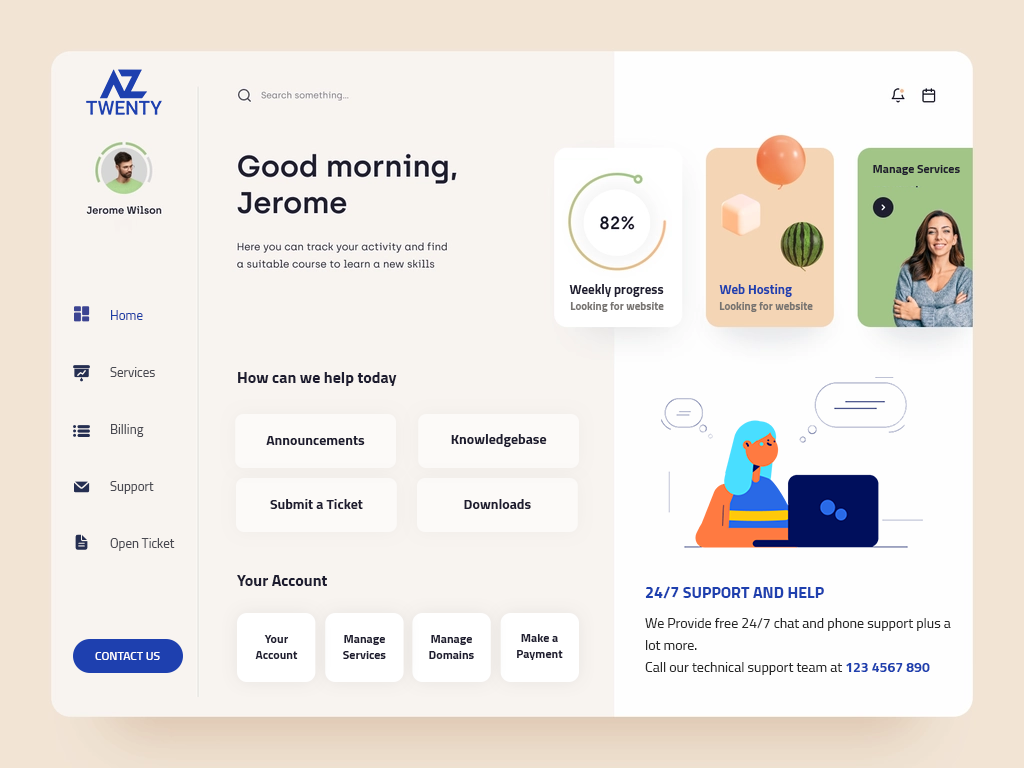
Branding WHMCS makes your platform look polished and trustworthy to customers.
5. Best Practices for WHMCS Customization
When customizing WHMCS, follow these best practices:
- Use Child Themes: Avoid modifying core files by using a child theme to prevent overwrites during updates.
- Backup Your Files: Always create a backup before making changes to templates or themes.
- Test on a Staging Environment: Try new customizations on a test WHMCS installation before applying them to a live site.
- Stay Updated: Ensure that your custom themes and hooks are compatible with the latest WHMCS version.
Following these practices helps maintain a stable and professional WHMCS installation.
6. Final Thoughts
Customizing WHMCS allows you to create a branded, user-friendly experience for your clients. Whether you modify themes, templates, or use hooks, personalization helps differentiate your hosting business. By following best practices and leveraging WHMCS's customization features, you can build a professional and seamless client portal.
Customizing WHMCS enhances your brand identity by modifying themes, templates, and branding elements. This guide explores how to tailor WHMCS to match your business’s aesthetics, improve user experience, and ensure consistency, helping you create a professional, seamless client portal







Comments 0
Sign in to join the conversation.
No comments yet. Be the first to say something.