


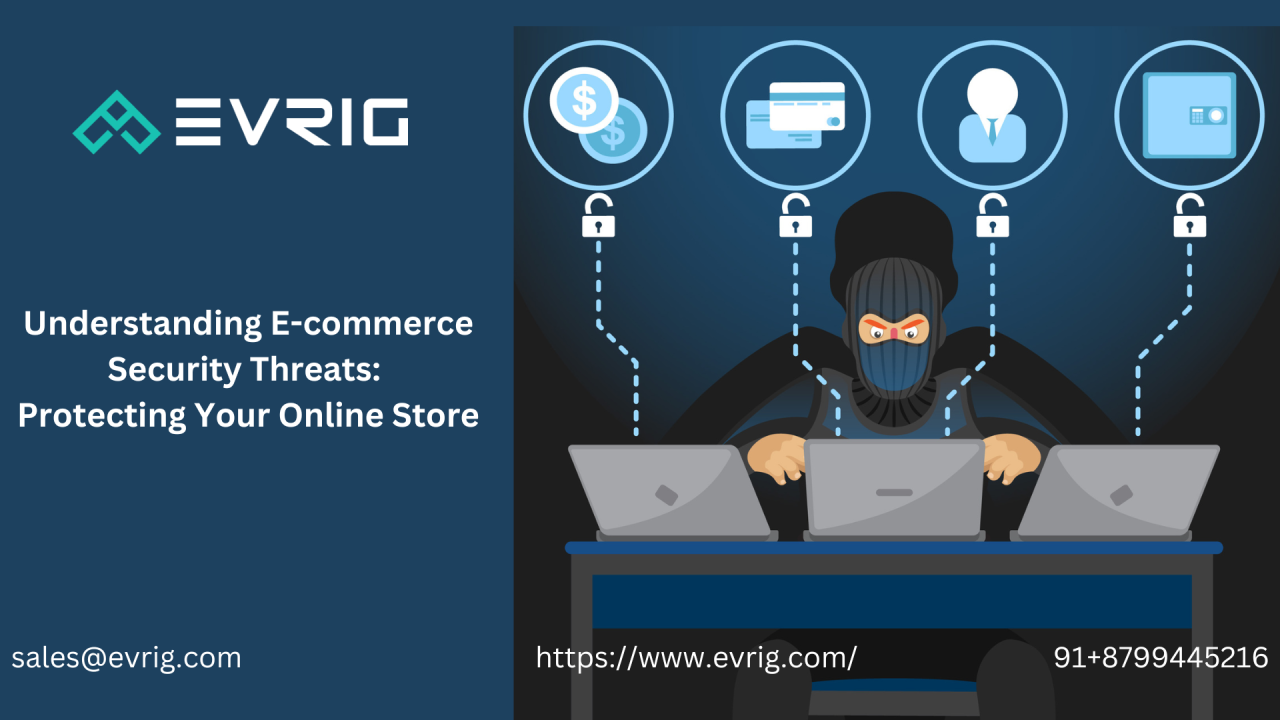
As e-commerce continues to thrive, so does the risk of cyber threats targeting online businesses. From data breaches to payment fraud, the digital marketplace is a prime target for malicious actors. Ensuring robust security measures is not just a technical necessity but a cornerstone of building customer trust and maintaining a successful e-commerce operation.
This article explores the critical aspects of e-commerce security, common cyber threats, and strategies to safeguard your online business.

Why E-Commerce Security is Essential
E-commerce platforms handle sensitive information such as personal customer data, payment details, and business transaction records. A single security breach can lead to:
- Financial Losses: Cyberattacks can cost businesses thousands, if not millions, in recovery.
- Reputation Damage: A breach erodes customer trust and can harm brand reputation.
- Legal Consequences: Non-compliance with data protection laws like GDPR or CCPA can result in hefty fines.
Common Cyber Threats in E-Commerce
1. Phishing Attacks
Cybercriminals use fake emails or websites to trick users into revealing sensitive information.
Example: A customer receives an email appearing to be from your store, asking for their login credentials.
How to prevent:
- Educate employees and customers about recognizing phishing attempts.
- Use email authentication protocols like SPF, DKIM, and DMARC.
2. Data Breaches
Hackers target e-commerce databases to steal customer and payment information.
Example: An attacker gains access to your server and leaks customer credit card details.
How to prevent:
- Encrypt sensitive data both in transit and at rest.
- Regularly update software and security patches.
- Use firewalls to prevent unauthorized access.
3. Payment Fraud
Fraudulent transactions using stolen credit card information are a common threat in e-commerce.
Example: A fraudster uses a compromised card to make purchases on your site.
How to prevent:
- Implement Address Verification System (AVS) and CVV checks.
- Use fraud detection tools powered by AI.
- Monitor transactions for unusual patterns.
4. Distributed Denial of Service (DDoS) Attacks
DDoS attacks overwhelm your server with traffic, causing your website to go offline.
Example: A competitor or hacker floods your site with requests, disrupting service for genuine customers.
How to prevent:
- Use Content Delivery Networks (CDNs) to absorb excess traffic.
- Employ DDoS mitigation tools.
- Monitor server activity for unusual spikes.
5. Malare and Ransomware
Malicious software can compromise your system, steal data, or hold it hostage.
Example: A ransomware attack encrypts your data, demanding payment for its release.
How to prevent:
- Use antivirus and anti-malware solutions.
- Regularly back up critical data.
- Train employees to avoid downloading suspicious files.
Key Security Measures for E-Commerce
1. Implement SSL Certificates
Secure Sockets Layer (SSL) encryption protects data exchanged between your website and customers.
Benefits:
- Prevents data interception.
- Builds trust by displaying a secure padlock icon in browsers.
2. Use Secure Payment Gateways
Partner with trusted payment processors to handle sensitive financial information.
Key features to look for:
- PCI DSS compliance.
- Tokenization to replace sensitive data with unique tokens.
- Multi-factor authentication for added security.
3. Regular Security Audits
Conducting periodic audits helps identify vulnerabilities before attackers do.
What to audit:
- Website code for vulnerabilities.
- Server configurations.
- Third-party plugins and integrations.

4. Educate Employees and Customers
Human error is often a weak link in cybersecurity.
How to educate:
- Train employees on recognizing phishing emails and secure password practices.
- Provide customers with guides on safe online shopping habits.
5. Monitor Activity with Analytics
Use advanced analytics to detect suspicious activity.
Examples:
- Multiple failed login attempts from the same IP address.
- Unusual purchasing patterns, like high-value orders from new accounts.
6. Enable Multi-Factor Authentication (MFA)
MFA adds an extra layer of security by requiring users to verify their identity using multiple methods.
How it works:
- Combine passwords with OTPs (One-Time Passwords) sent to mobile devices.
- Use biometric authentication like fingerprints or facial recognition.
7. Secure APIs
APIs are often the gateway to integrating third-party tools but can also be an attack vector.
How to secure APIs:
- Use API keys and tokens for authentication.
- Limit API access based on roles.
- Monitor API usage for anomalies.
Compliance with Data Protection Regulations
Regulations like GDPR (General Data Protection Regulation) and CCPA (California Consumer Privacy Act) require businesses to implement stringent security measures.
Key steps to comply:
- Obtain explicit consent before collecting customer data.
- Provide clear privacy policies.
- Allow customers to delete their data upon request.
- Notify authorities and customers promptly in the event of a data breach.
The Future of E-Commerce Security
1. Artificial Intelligence (AI) and Machine Learning
AI-driven tools will play a critical role in detecting and mitigating threats in real time.
Example: Predictive analytics can identify potential vulnerabilities before they are exploited.
2. Blockchain Technology
Blockchain can enhance transaction security through decentralized and tamper-proof records.
Example: Using blockchain for secure payment processing and supply chain transparency.
3. Zero-Trust Architecture
Adopting a zero-trust model means verifying every access request, regardless of its origin.
Impact: Strengthened security by assuming no user or device is inherently trustworthy.
Conclusion
E-commerce security is a continuous process that demands vigilance, advanced tools, and a proactive approach. By understanding common threats and implementing robust security measures, businesses can protect their customers, maintain trust, and thrive in a competitive digital marketplace.






Comments 0
Sign in to join the conversation.
No comments yet. Be the first to say something.