


A .PK domain is essential for businesses, organizations, and individuals in Pakistan.
To maintain your online presence, you must renew your domain before it expires. PKNIC, the official registry for .PK domains, provides an easy renewal process.
This guide walks you through checking your domain’s expiry, purchasing PKNIC prepaid cards, renewing your domain, and troubleshooting common renewal issues.
1. Why Renewing Your .PK Domain is Important
Failing to renew your .PK domain on time can result in:
✅ Website downtime, affecting visitors and customers.
✅ Loss of email services linked to your domain.
✅ Risk of losing your domain if someone else registers it.
To avoid these issues, it’s crucial to renew your domain before it expires.

2. Checking Your .PK Domain Expiry Date
Before renewing, check your domain’s expiry date:
✅ Using PKNIC WHOIS Lookup
- Visit https://pknic.net.pk.
- Use the WHOIS Lookup tool.
- Enter your domain name and check the expiry date.
✅ Logging Into Your PKNIC Account
- Go to the PKNIC website and log in.
- Click on "Manage Domains."
- View the expiry date of your domain.

3. How to Renew Your .PK Domain on PKNIC
Step 1: Purchase a PKNIC Prepaid Card
To renew a .PK domain, you need PKNIC prepaid cards. These can be purchased from:
- PKNIC resellers
- Web hosting providers
- Online marketplaces (if available)
Each prepaid card is valid for two years of renewal.
Step 2: Log In to Your PKNIC Account
- Visit https://pknic.net.pk.
- Click on "Login" and enter your credentials.
Step 3: Select Your Domain for Renewal
- Go to "Manage Domains."
- Find the domain that needs renewal.
- Click on "Renew Domain."
Step 4: Apply the PKNIC Prepaid Card
- Enter the prepaid card details.
- Click Submit to process the renewal.
- Your domain’s validity will be extended by two years.
Step 5: Verify Renewal Status
- Go to "Manage Domains" and check the new expiry date.
- Use WHOIS lookup to confirm the update.

4. What Happens If Your .PK Domain Expires?
If you don’t renew your domain before the expiry date:
🚨 Grace Period: PKNIC usually offers a short grace period for renewal.
🚨 Suspension: If not renewed, your domain becomes inactive, and your website will stop working.
🚨 Deletion & Re-registration: After a certain period, PKNIC may release the domain for public registration.
To avoid losing your domain, always renew on time!
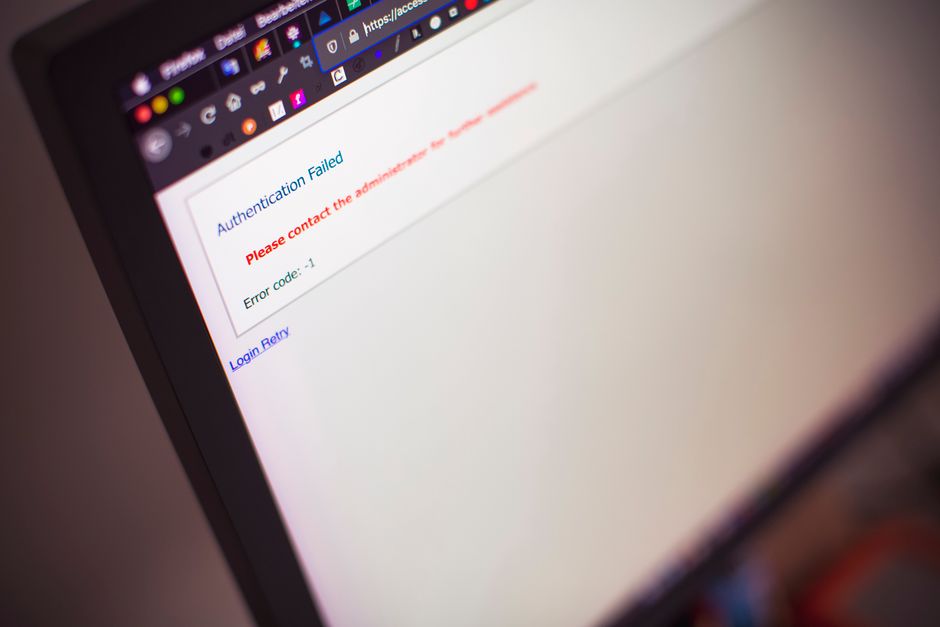
5. Troubleshooting Common Renewal Issues
Issue 1: Prepaid Card Not Working
✅ Solution: Ensure the card is valid and entered correctly. Contact the reseller if needed.
Issue 2: Domain Still Shows Expired
✅ Solution: Wait a few hours or clear your browser cache and check again.
Issue 3: Can’t Access PKNIC Account
✅ Solution: Use the "Forgot Password" option or contact PKNIC support.
Issue 4: Payment Issues with Resellers
✅ Solution: Always buy prepaid cards from trusted sources.

6. Cost of .PK Domain Renewal
| Domain Type | Renewal Fee (Approx.) | Validity |
|---|---|---|
| .pk / .com.pk / net.pk | PKR 2,500 – 3,000 | 2 Years |
| .edu.pk / gov.pk | Special Approval Required | 2 Years |
Prices may vary based on promotions and reseller fees.
7. How to Set Up Auto-Renewal for .PK Domains
PKNIC does not offer automatic renewals, but you can set reminders:
✅ Mark Calendar Reminders – Set alerts 30 days before expiry.
✅ Buy Multiple Prepaid Cards – Keep extra cards for future renewals.
✅ Use a Reliable Reseller – Some resellers send renewal reminders.

8. FAQs About .PK Domain Renewal
Q: Can I renew my .PK domain before it expires?
A: Yes, you can renew your domain at any time before expiry.
Q: Can I renew for more than two years?
A: No, each renewal extends the domain for two years only.
Q: What if I forget to renew my domain?
A: Your domain may become inactive, and after some time, it could be released for public registration.

9. Final Thoughts
Renewing your .PK domain is essential for keeping your website and emails active. By following this guide, you can check your domain expiry, buy prepaid cards, and complete the renewal process hassle-free.
If you have any questions, feel free to ask! 🚀







Comments 0
Sign in to join the conversation.
No comments yet. Be the first to say something.