

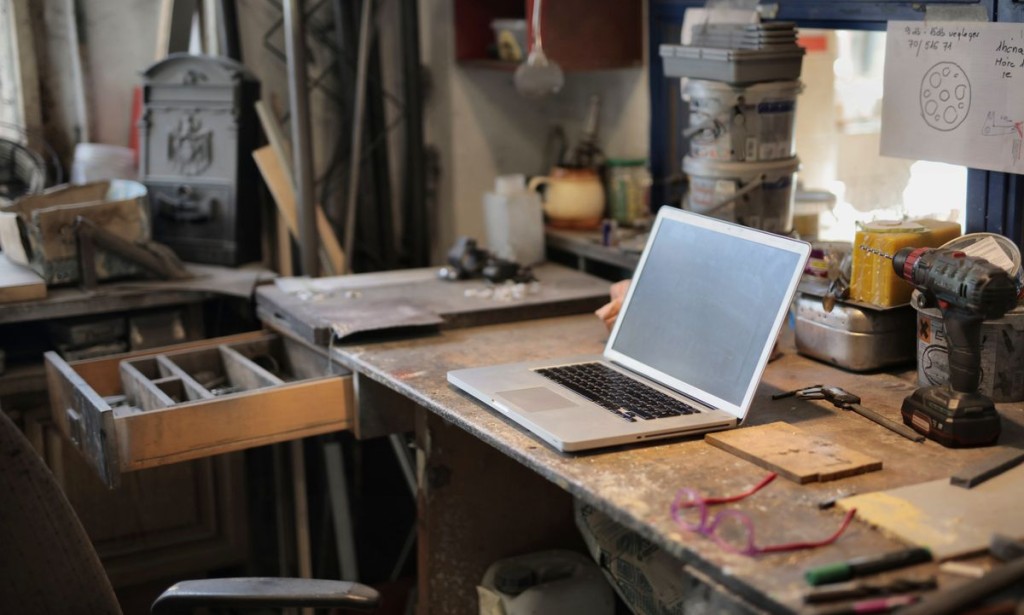
One of the most useful things about many gaming laptops is that they can be improved after purchase. Memory and storage are frequently replaceable, and upgrading them can transform how a machine feels for a fraction of the cost of a new one. The catch is that not every laptop allows it, and the process varies. Understanding what is possible on your specific machine turns a vague idea into a practical plan.
This guide explains what can be upgraded, how to check, and how to do the work safely.
What Is Usually Upgradeable
In most gaming laptops, memory and storage are the upgradeable parts. Memory often sits in accessible slots, and storage usually uses a standard drive format. The graphics chip and processor, by contrast, are soldered and cannot be changed, which is why the initial choice of those parts matters so much.
Some thin or premium machines solder the memory to save space, which removes that upgrade path. Always check the specific model before assuming you can expand it.
Checking Your Machine
The most reliable way to know what is possible is to look up the service manual for your exact model, or watch a teardown video. These show precisely where the memory and storage are, what format they use, and whether there are spare slots. The manual also tells you the maximum memory the machine supports, which is easy to get wrong by guessing.
Many manufacturers publish this information, and it is worth ten minutes before ordering any parts.

Check the manual before ordering parts.
Understanding Storage Types
Laptops use solid state drives in a few common formats. Some use a small card-like format that slots in directly, and some use a longer stick. A few older machines still use a mechanical drive, and replacing that with a solid state drive is one of the most dramatic improvements you can make to an old laptop.
Match the format to what your machine supports, and check whether it has a spare slot in addition to the main one. A spare slot lets you add storage without removing what is already there.
Cloning or Clean Install
When you replace the main drive, you have two options. You can clone the existing drive to the new one, which copies everything including the operating system and your files, so the machine boots exactly as before. Or you can do a clean install, which is more work but often results in a faster, cleaner system.
Cloning is convenient and less disruptive. A clean install is a good opportunity to start fresh, especially on a machine that has accumulated years of clutter. Either is valid, and the choice depends on how much you value your current setup.
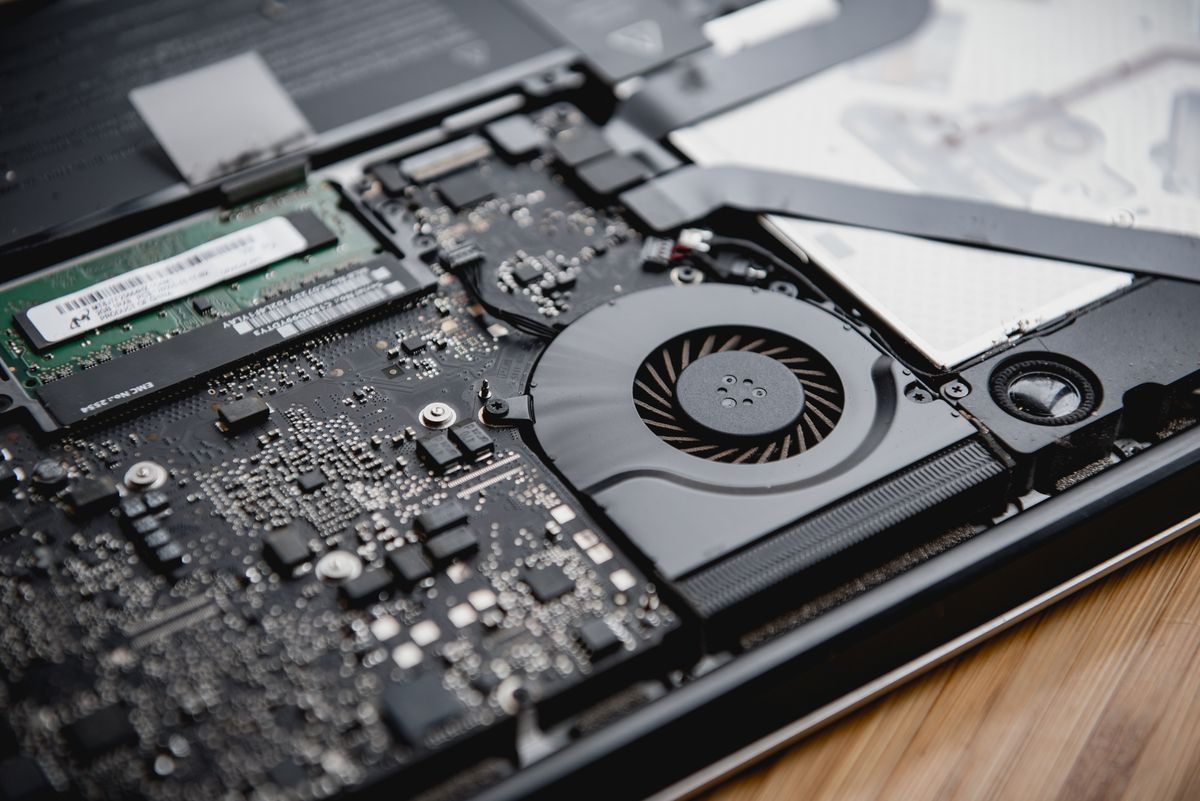
Upgrades are usually straightforward with the right tools.
Memory Configuration and Dual Channel
When upgrading memory, pay attention to configuration, not just total capacity. Two matched sticks running in dual channel usually outperform a single larger stick, especially when the graphics chip shares system memory. Check how many slots are filled and aim for a matched pair where possible.
Also confirm the maximum memory the machine supports and the type it uses. Buying the wrong format is an easy and annoying mistake.
Warranty and Safety
Opening a laptop can affect its warranty, so check the terms before you start. Some manufacturers allow user upgrades, others do not. If the machine is still under warranty and you are unsure, it may be worth asking before you open it.
On the practical side, work on a clean, static-free surface, keep track of the screws since they vary in length, and disconnect the battery before touching internal components where possible. Take photos as you go, so you can reassemble correctly. None of this is difficult, but care prevents damage.
Frequently Asked Questions
Can I upgrade my gaming laptop? Often memory and storage, if they are not soldered. Check the service manual for your model.
Is a RAM upgrade worth it? Yes, especially if the machine has too little memory. It is one of the cheapest ways to improve performance.
Should I clone or clean install? Cloning is easier and keeps your setup. A clean install is faster and cleaner but more work.
Does upgrading void the warranty? Sometimes. Check the terms before opening the machine.
What tools do I need? Usually just a small screwdriver set and a clean workspace. Some models need a plastic pry tool.
Conclusion
Upgrading a gaming laptop's memory and storage is one of the best value improvements available, provided the parts are not soldered. Check the manual, buy the correct formats, consider dual channel for memory, and decide between cloning and a clean install. Do it carefully, and a modest laptop can feel far newer than its age suggests.
Before buying a new machine, always ask whether an upgrade would solve your problem for less. Often it will, and the money saved can go toward the games you actually want to play.Bringing It Together
The advice above matters less than the habit behind it. Read the specification carefully, test the specific unit in front of you, and let evidence rather than enthusiasm decide. Most expensive mistakes in this category come from skipping a check that takes two minutes, not from choosing the wrong model. Slow down at the moment of purchase, and the rest tends to work out.
Finally, remember that the machine is a tool, not an identity. A modest device used well will serve you far better than a shiny one you do not understand. Learn what you have, keep it clean and cool, and it will keep working long after the next generation arrives on the shelf.Bringing It Together
The advice above matters less than the habit behind it. Read the specification carefully, test the specific unit in front of you, and let evidence rather than enthusiasm decide. Most expensive mistakes in this category come from skipping a check that takes two minutes, not from choosing the wrong model. Slow down at the moment of purchase, and the rest tends to work out.
Finally, remember that the machine is a tool, not an identity. A modest device used well will serve you far better than a shiny one you do not understand. Learn what you have, keep it clean and cool, and it will keep working long after the next generation arrives on the shelf.









Comments 0
Sign in to join the conversation.
No comments yet. Be the first to say something.