

Cybersecurity is the practice of protecting computers, mobile devices, networks, applications, and personal information from unauthorized access, cyberattacks, and digital threats.
In 2026, protecting personal information is more important than ever. Cybercriminals may attempt to steal passwords, access financial accounts, send fraudulent messages, or install malicious software on devices.
Many people believe that cybersecurity is only important for large companies or technology experts. However, ordinary internet users can also become targets.
The good news is that you do not need advanced technical knowledge to improve your online safety. A few simple habits can significantly reduce common security risks.
In this article, we will explore ten practical cybersecurity tips that everyone should follow to protect their digital lives.
1. Create Strong and Unique Passwords
Passwords are the first line of defence for many online accounts. Unfortunately, people often use simple passwords that are easy to guess.
Using passwords such as your name, date of birth, phone number, or simple number combinations can make accounts easier to compromise.
A strong password should be long, unique, and difficult to predict. Avoid using the same password for multiple accounts.
For example, if one website experiences a data breach and your password is exposed, attackers may try that same password on your email, social media, and other accounts.
Consider using a reputable password manager to create and store unique passwords securely.
Useful tips:
Create a different password for every important account.
Avoid personal information in passwords.
Never share passwords through messages.
Change passwords immediately if you believe an account has been compromised.
Use a password manager when appropriate.
2. Enable Two-Factor Authentication
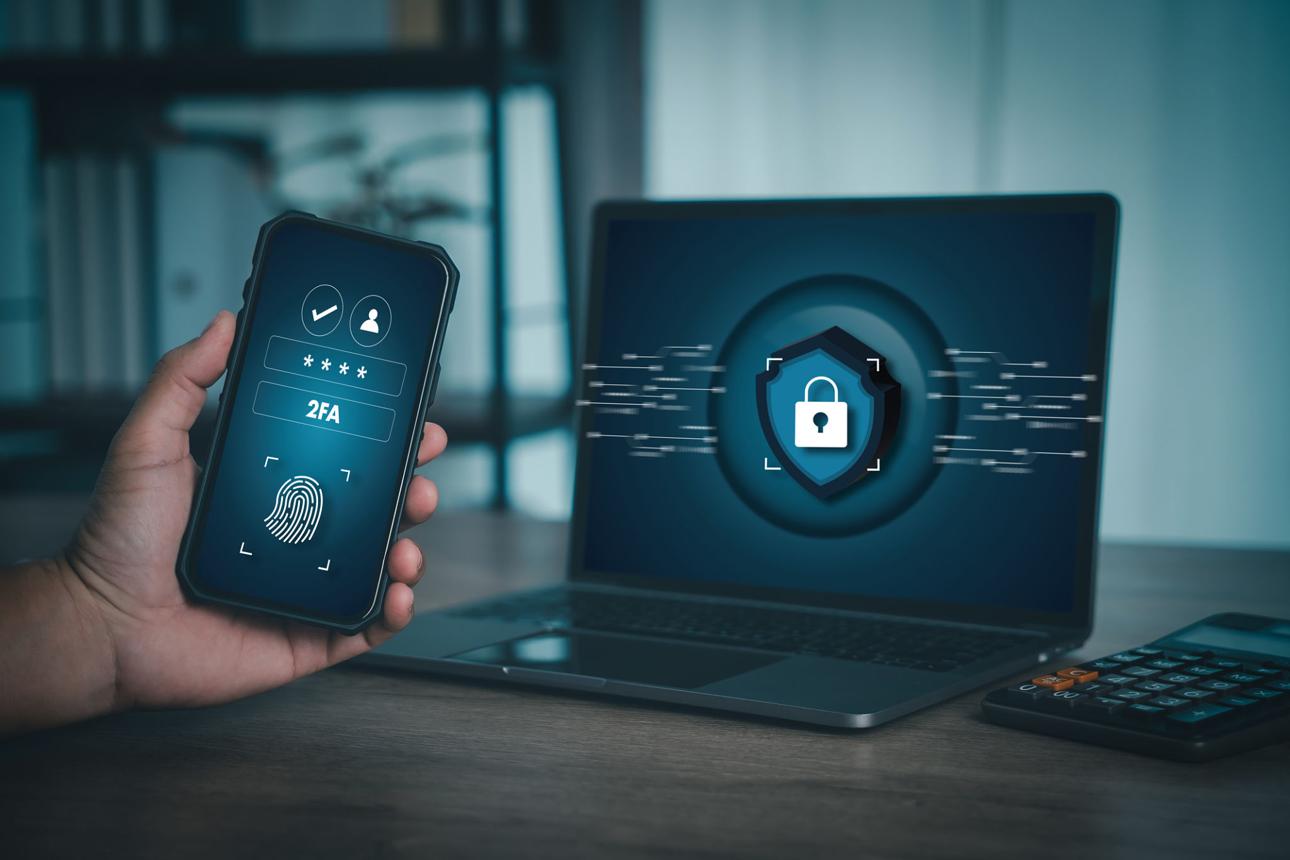
Two-factor authentication (2FA), also known as multi-factor authentication (MFA), adds another security layer to your online accounts.
Normally, you enter a username and password to log in. With two-factor authentication, you must also provide another verification method.
This could be an authenticator app, a security key, or another supported verification method.
For example, even if someone discovers your password, they may still be unable to access your account without the additional authentication factor.
Security agencies such as CISA recommend using multi-factor authentication to help protect important accounts.
Where should you enable it?
Email accounts.
Banking and financial applications.
Social media accounts.
Cloud storage services.
Important business accounts.
Whenever possible, choose a phishing-resistant authentication method, such as a supported security key or passkey.
3. Be Careful With Suspicious Emails and Links
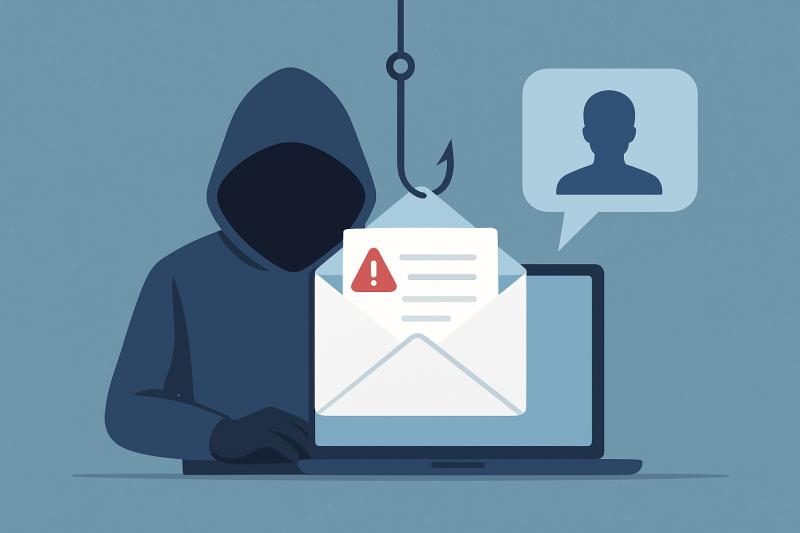
Phishing is a common type of cyberattack in which criminals attempt to trick people into sharing sensitive information.
A phishing message may look like an official email from a bank, shopping website, delivery company, or social media platform.
It might tell you that your account has been suspended or that you must verify your information immediately.
The message may contain a link that leads to a fake website designed to steal your login details.
How can you identify phishing messages?
Check the sender's email address carefully.
Avoid clicking unexpected links.
Be suspicious of urgent payment requests.
Never share passwords or verification codes.
Visit official websites directly instead of using suspicious message links.
If you receive a message claiming to be from your bank, contact the bank through its official website or verified phone number.
4. Keep Your Smartphone and Computer Updated
Software updates are important for security and performance.
Technology companies regularly release updates to fix software problems, improve functionality, and address security vulnerabilities.
Using outdated software may leave your device exposed to known security weaknesses.
This applies to operating systems, mobile applications, internet browsers, and other software.
What should you update regularly?
Your smartphone operating system.
Your computer operating system.
Your internet browser.
Banking and payment applications.
Security software.
Enable automatic updates whenever appropriate.
If your device no longer receives security updates, consider upgrading to a supported device when practical.
5. Avoid Unsecured Public Wi-Fi Networks
Public Wi-Fi is available in many locations, including restaurants, airports, shopping centres, and hotels.
Although these networks are convenient, some may not provide adequate protection.
An attacker operating a malicious or poorly secured network may attempt to monitor traffic or trick users into visiting fraudulent websites.
For sensitive activities, such as online banking, it is generally safer to use your trusted mobile data connection or a properly secured network.
Follow these precautions:
Avoid accessing sensitive accounts through suspicious public networks.
Confirm the correct network name with the venue.
Do not ignore browser security warnings.
Keep your device software updated.
Consider a reputable VPN when appropriate, understanding that it does not make every online activity automatically safe.
6. Download Applications From Trusted Sources
Mobile applications can access personal information, photos, contacts, location data, and other device features.
Installing applications from unknown websites can expose your device to malicious software.
Some fraudulent applications may imitate popular apps to trick users into downloading them.
Before installing an application, check its developer, reviews, permissions, and official source.
For Android users, Google Play Protect provides security checks for supported applications.
Application safety tips:
Prefer official application stores.
Check the developer's identity.
Review requested permissions.
Avoid modified or cracked applications.
Remove applications you no longer use.
Do not give an application access to personal information unless the permission is necessary for its purpose.
7. Protect Your Personal Information on Social Media
Social media platforms allow people to share photographs, videos, opinions, and personal updates.
However, sharing too much information can create privacy and security problems.
Cybercriminals may use publicly available details to create convincing scams or attempt to guess account recovery information.
For example, publicly sharing your birthday, phone number, address, travel plans, or other personal details may expose information that you would prefer to keep private.
Improve your social media privacy by:
Keeping personal profiles private when appropriate.
Limiting who can view your posts.
Avoiding public sharing of sensitive information.
Reviewing account privacy settings.
Being careful when accepting unknown friend requests.
Think carefully before posting information that could be misused.
8. Back Up Important Files Regularly
Imagine losing your smartphone or computer and discovering that your important photographs, documents, and business files are gone.
Data loss can happen because of device damage, theft, accidental deletion, or ransomware attacks.
A backup is an additional copy of important information that can help you recover your files.
You can use external storage devices or reputable cloud storage services.
For better protection, keep backup copies separate from your main device and protect access to them with strong authentication.
What should you back up?
Important documents.
Family photographs.
Business files.
Educational material.
Important contacts.
Project files.
Check your backups periodically to make sure your files can actually be restored.
9. Understand Malware and Ransomware
Malware is a general term for malicious software designed to harm devices, steal information, or perform unauthorized activities.
Different types of malware include viruses, spyware, trojans, and ransomware.
Ransomware is particularly concerning because it can prevent users from accessing their files by encrypting them and demanding payment.
Malware may enter a device through suspicious downloads, malicious attachments, compromised websites, or unsafe applications.
How can you reduce malware risks?
Avoid downloading suspicious files.
Keep your operating system updated.
Use reputable security software.
Do not open unexpected email attachments.
Maintain regular backups.
Avoid installing pirated software.
If you suspect your device is infected, stop entering sensitive information and seek help from a trusted technical professional.
10. Learn to Recognize Online Scams
Online scams can target almost anyone.
Some scammers pretend to be representatives of banks, companies, government departments, or online earning platforms.
Others may promise unrealistic investment returns, free prizes, or guaranteed income.
A common warning sign is pressure to make an immediate payment or share a verification code.
Before trusting an online offer, research the company and check its official website.
Never send money simply because someone claims that an opportunity is available for a limited time.
Remember these basic rules:
Do not share OTPs or verification codes.
Avoid guaranteed-profit investment offers.
Verify websites before making payments.
Be careful with unknown job opportunities.
Report suspicious messages through the relevant platform.
Being careful and taking time to verify information can help prevent financial losses.
Why Cybersecurity Matters for Students, Freelancers, and Businesses
Cybersecurity is not only a concern for large organizations. It is important for anyone who uses digital technology.
Students may store assignments, personal information, and educational documents online. Freelancers often use email, cloud storage, payment platforms, and social media to communicate with clients.
Businesses may store customer information, financial records, and confidential documents.
A security incident can affect productivity, reputation, finances, and privacy.
Developing good cybersecurity habits can help individuals and organizations reduce these risks.
The Future of Cybersecurity
As digital technology continues to develop, cybersecurity will remain an important area of technology.
Artificial intelligence, cloud computing, smart devices, and online payment systems are creating new opportunities, but they also introduce security challenges.
Organizations are investing in improved security systems, stronger authentication methods, and better ways to detect suspicious activities.
At the same time, individuals must understand that technology alone cannot prevent every cyberattack.
Awareness, responsible internet use, regular updates, and secure account management will continue to play important roles in digital safety.
Frequently Asked Questions
1. What is cybersecurity?
Cybersecurity is the practice of protecting digital devices, networks, applications, and information against unauthorized access and cyberattacks.
2. Can a smartphone be hacked?
Yes. Smartphones can be targeted through malicious applications, phishing messages, software vulnerabilities, and other security weaknesses.
3. Is two-factor authentication important?
Yes. It adds an additional layer of protection and can make unauthorized account access more difficult.
4. Are free public Wi-Fi networks safe?
Not always. Some public networks may be poorly secured or fraudulent. Avoid sensitive activities on networks you do not trust.
5. How can beginners learn cybersecurity?
Beginners can start by learning about passwords, phishing, online privacy, network security, and safe device management. Official educational resources from CISA, FBI, and NIST are useful starting points.
Final Conclusion
Cybersecurity has become an essential part of everyday digital life. Whether you use the internet for education, entertainment, business, or communication, protecting your personal information should be a priority.
You do not need to be a computer expert to improve your online security. Start with strong passwords, enable two-factor authentication, update your devices, avoid suspicious links, and back up important files.
Small security habits can make a meaningful difference over time.
Stay informed, think before you click, and make online safety a daily habit. Your digital security starts with your decisions.





Comments 0
Sign in to join the conversation.
No comments yet. Be the first to say something.