


Five hundred free credits. That number sits at the top of Bigvu's pricing page like a promise — until you read the line right underneath it, where Bigvu's own page quietly converts those 500 credits into about ten seconds of portrait video. Ten seconds. Not ten minutes, not ten clips. Ten seconds of AI video from a free plan that may or may not refill. And the second catch is in the verdict below.
What It Is
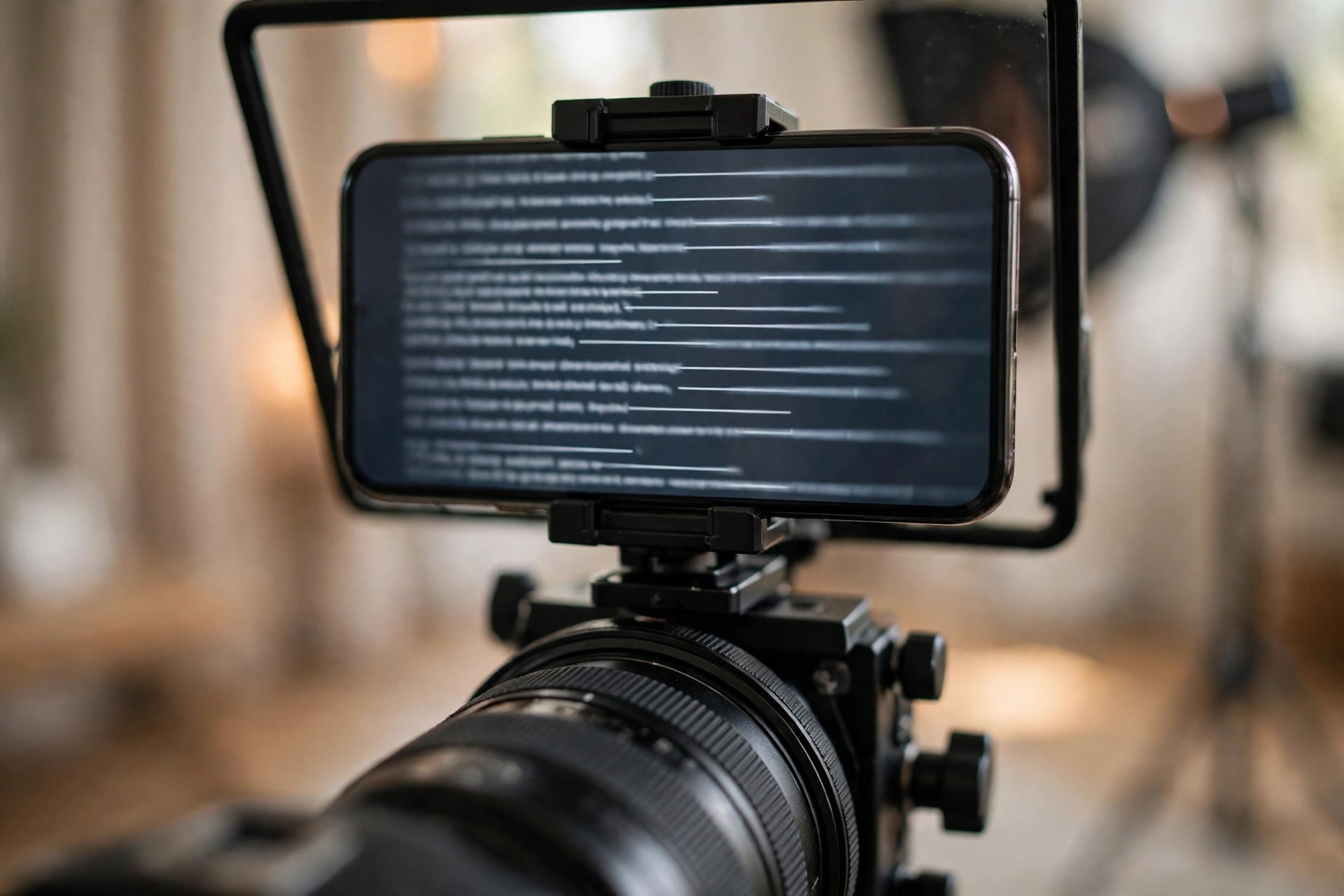
Bigvu is a teleprompter and talking-head video tool, not a cinematic video generator. That is the first thing to get straight, because everything about the free plan makes sense once you know it. You write a script, the teleprompter scrolls it across your screen while you record yourself speaking to camera, and Bigvu's AI helps you clean it up: captions, eye-contact correction, background replacement, automatic B-roll, and dubbing into more than thirty languages on the paid plans.
The AI video generation is a smaller part of the product. Bigvu can turn a photo into a talking photo, and generate short portrait videos from your credits. The pricing page's own equivalence is the honest measure of that feature: 500 credits on the free plan equals about a 10-second portrait video. On AI Pro, 3,000 credits equals about a minute. On Max, 10,000 credits equals about three minutes. Those are Bigvu's numbers, not ours, and they set the scale of what the free plan can do.
Bigvu is built for a specific creator: someone who talks to a camera — a coach, a founder, a teacher, a salesperson, a creator who posts daily talking-head Reels and TikToks and needs to stop memorizing lines. The teleprompter is the product. The AI video is the bonus. If your workflow is "write script, read it to camera, post it", Bigvu is built exactly for you. If your workflow is "type a prompt, get a cinematic scene", you are in the wrong tool, and no review should waste your time pretending otherwise.
It is a well-established tool with a real free tier, and its limits are worth reporting exactly as the official pages state them.
Free Plan Details
Here is exactly what the official pricing page gives free users, verified today on bigvu.tv/pricing. The free plan costs US$0 "forever, for one person", and the page states plainly: "Free forever, no credit card." Registration requires a full name, an active email, a username, and a password — but no payment method.
The headline allowance is 500 AI credits. What those credits buy is where the story gets interesting, and where Bigvu's own pages disagree with each other. The pricing page FAQ says every plan includes a monthly pool of AI credits — 500 on Free, 3,000 on AI Pro, 10,000 on Max — and that "credits refresh at the start of each billing cycle and don't roll over, so unused credits don't carry into the next month." But Bigvu's own official tutorial FAQ says the opposite: "Free includes 500 credits one-time, paid plans refresh credits monthly." One official page says the free credits come back every month. Another official page says they never come back. This review will not pick a winner between two of the toolmaker's own pages — but you should know the contradiction exists before you build a monthly habit around those 500 credits.
What the credits buy is not in dispute: the pricing page equates 500 credits to about a 10-second portrait video. Talking-photo videos stay under one minute on the free plan, and anything over a minute needs the Max plan. The free plan also includes the AI Script and AI Writer tools, teleprompter recording, a social-media audit, and scheduling to all social channels. Recording itself is more generous than generation: you can record up to 9 minutes per video on the free plan, which is where the teleprompter does its real work.
Exports on the free plan are 720p and watermarked — the pricing page says so verbatim, and the Terms agree: "Some Services are free but include the BIGVU watermark." The good news on formats is clear: the free plan supports vertical video, with the official tutorial FAQ listing "Vertical (9:16) for Reels, TikTok, and Shorts" alongside horizontal and square. So a free Bigvu clip can be shaped for the feed. It will simply carry the watermark and stop at 720p.
No credits-to-clips conversion table is published, so this review does not invent one.

Watermark and Commercial Use
Every export on the free plan carries the Bigvu watermark. There is no ambiguity here — the pricing page and the Terms say the same thing, and the watermark is the price of the free tier. For a talking-head creator posting daily, a watermarked 720p clip is a draft, not a finished post. Upgrading removes it: the Starter plan at US$12 a month billed annually is the cheapest watermark-free tier, with 1080p exports.
Commercial use, surprisingly, is the one area where Bigvu's free plan is better than most. The Terms, in the licence sections, state plainly: "You may access and use the Services for personal and commercial purposes." Commercial use is defined as any video use deriving direct or indirect commercial benefit or financial gain — and no clause restricts commercial use to paid plans. That is a genuine, written permission, and it is rarer than it should be in this series.
But there are two catches attached to that permission, and both are in the Terms. First, free outputs carry the watermark, so your commercially permitted video still advertises Bigvu in the corner. Second, and more unusual: AI B-roll and backgrounds you generate are automatically added to a shared community content bank, with no privacy option — other users may use them. Your own recorded footage is not part of that bank, but anything the AI generates for you can be reused by strangers. If you generate a background you consider proprietary, know that Bigvu's Terms put it in the shared pool.
So the honest summary is: you are allowed to use free Bigvu videos commercially, in writing, with no paid-plan restriction — but the watermark stays on, and your AI-generated B-roll becomes community property. That is a fairer deal than most free plans offer, and a stranger one than most creators expect.
How to Use It
Go to the official Bigvu website and create a free account with your full name, an active email, a username, and a password. No credit card is needed for the free plan.
Write your script in the AI Script tool, or paste one you already have. Keep it short — the free plan's AI video allowance is about ten seconds, but your teleprompter recordings can run up to nine minutes.
Open the teleprompter and record yourself reading the script to camera. Adjust the scroll speed until it feels natural; a teleprompter that is too fast is worse than no teleprompter at all.
Add captions and, if you want, try a talking-photo video — but remember it stays under one minute on the free plan, and it spends your 500 credits fast.
Export in vertical 9:16 for Reels, TikTok, or Shorts. The export will be 720p with the Bigvu watermark, so treat it as a test or a draft unless the watermark is acceptable to you.
Before you rely on the free credits month after month, check the current pricing FAQ yourself — Bigvu's own pages disagree on whether the 500 credits refresh monthly or are a one-time grant, and the answer decides whether the free plan is a habit or a single try.
If you upgrade, the annual-billed prices are straightforward: Starter at US$12 a month with 1,500 credits and no watermark, AI Pro at US$19 a month with 3,000 credits and 4K exports, or Max at US$49 a month with 10,000 credits and the AI Twin. There is a 30-day money-back guarantee on web purchases.
Honest Verdict
Here is the catch this article held back until now, and it is the one that decides everything: Bigvu's own official pages cannot agree on whether the free 500 credits come back. The pricing page says they refresh every billing cycle. The tutorial FAQ says they are one-time. If the pricing page is right, the free plan gives you ten seconds of AI video a month, forever, plus unlimited teleprompter recording — a modest but real monthly tool. If the tutorial page is right, the free plan is a single ten-second sample and then the AI features are done. Test it; do not trust the headline number.
Everything else about the free plan is clearer, and mostly better than average. The teleprompter is the real product, and it works on the free plan without a credit cost: nine-minute recordings, AI scripts, captions, scheduling, and a written commercial-use permission that most free plans never give you. The watermark and the 720p cap are the honest price of that. The shared content bank for AI B-roll is the odd clause — worth knowing, easy to avoid by not generating backgrounds you care about keeping private.
Who should use it? Creators who talk to a camera every day and want a free teleprompter with a written commercial licence. Who should skip it? Anyone hunting for free AI-generated video — ten seconds, possibly once, is not a video pipeline, and the talking-photo feature is a novelty next to the teleprompter, not the reason to sign up. And if you do upgrade, note the timely detail: the AI Talking Photo page advertises "Get AI MAX, 40% off yearly this Black Friday", with no end date or code shown — a real offer on an official page, but one whose deadline is unconfirmed.
Bigvu earns its place on the list because the teleprompter is real, the commercial permission is written down, and the free plan costs nothing. It loses the top spot because its own pages cannot agree on the one number that matters, and because ten seconds of AI video is a sample, not a plan. That is the whole story — and it is the story you only get by reading both of Bigvu's official pages, not just one.
You can try it yourself on the official Bigvu website — but check the pricing FAQ first, and decide for yourself whether those 500 credits are monthly or one-time. Have you tested the free plan yourself — did the credits come back, or did the watermark show up? Tell us in the comments.







Comments 0
Sign in to join the conversation.
No comments yet. Be the first to say something.