


Two gaming laptops can carry the same graphics chip name and behave like different machines. One holds its clocks through an hour of play while the other settles into a lower, quieter state after ten minutes. One ships with a screen worth the money; the other wastes a capable GPU on a dim panel with slow pixel response. Choosing well is mostly a matter of reading the chassis instead of the sticker on the lid.
What follows is a buying order rather than a model list, because model lists age within weeks. You will find GPU tiers and wattage, CPU pairing by genre, cooling, panel details, memory and storage decisions, plus the warranty questions that decide how painful the next few years will be.

Chassis and cooling decide what the specification sheet cannot show.
Decide the Screen Before the Brand
Screen size and resolution set the whole budget, so settle them first. A 15 or 16 inch panel is the practical default for people who move the machine; a 17 inch chassis buys desk comfort and costs portability. On resolution, a 1080p panel is easier on the GPU and keeps frame rates healthy, while 1440p looks sharper on larger screens and needs a stronger graphics tier to stay smooth. A 16:10 aspect ratio gives you a little more vertical space for documents and timelines, and the brightness and colour figures belong on your checklist before you compare anything else.
GPU Tiers and the Wattage Trap
Laptop graphics chips share names with desktop parts but run inside a power envelope the manufacturer chooses. The same chip family can appear in a thin chassis with a modest power limit and in a thicker one with a much higher limit, and the difference in sustained performance is large. Before buying, find the total graphics power figure for that exact configuration, not the family name. Look for whether the machine has a direct connection to the panel or routes through integrated graphics, since that affects both latency and frame rate. Higher tiers age better, but a well cooled mid tier beats a throttled top tier in a thin body.
Pair the CPU to Your Genre
Genres stress different parts. Competitive shooters and strategy games lean on a few fast cores, so single core speed and memory latency matter more than core count. Simulation and open world titles spread work across cores but rarely saturate a modern eight core part. Large single player releases usually sit GPU bound, which means a mid range processor paired with a stronger GPU is a sensible split. If you also stream or edit, step up the core count and check sustained power limits rather than short burst figures.
Cooling Is a Specification You Can Feel
Cooling determines whether the numbers on the box survive the first hour. Ask how many fans the chassis carries, how many heat pipes feed each heatsink, and where air enters and leaves. Bottom intake matters because a laptop on a soft surface suffocates; rear and side exhaust matter because they keep heat away from your hands. A vapour chamber can help in a thin design, but a larger heatsink with two or three fans often does as well for less money. Read reviews that measure surface temperatures and fan noise under a long load, not a short benchmark run.
Memory and Storage You Cannot Fix Later
Sixteen gigabytes is the working floor for modern games, and heavier titles plus a browser will push past it. Thirty two is comfortable if the budget allows and the machine is meant to last. Check whether memory is soldered or socketed, and whether both slots are accessible. Two matched modules matter because dual channel memory feeds the graphics chip more efficiently than a single stick. For storage, confirm how many drive slots exist, what length each accepts, and whether the primary drive is a fast model with a healthy cache. A second empty slot is worth more than a slightly larger first drive.
Panel Details That Decide Enjoyment
Refresh rate is the headline, but response time and adaptive sync decide how the motion actually feels. A high refresh panel with slow transitions smears, and a panel without adaptive sync shows tearing when frames arrive unevenly. Colour coverage matters if you edit photos or video on the same machine. Brightness matters if you play near a window. Check for backlight bleed on a dark screen, look at the panel from an angle to judge viewing angles, and confirm the keyboard backlight is even. Small details, but you will look at this screen for thousands of hours.
Warranty, Service and Parts
Service quality varies by country and by retailer, so treat it as part of the specification. Find out whether warranty is handled on site, by carry in, or through the shop that sold the unit. Ask how long a typical repair takes and whether the service centre keeps common parts such as fans, batteries and heatsinks in stock. International warranty sounds generous until you discover it covers a narrow list of countries. A slightly slower laptop with a service centre in your city often beats a faster one that must be shipped abroad for repair.
A Budget Discipline Checklist
Spend first on the GPU tier, cooling, and screen, because those are the parts you cannot change. Save on the processor one step below the flagship, on cosmetic lighting, and on the largest storage option if a second slot exists. Resist paying extra for a slightly thinner chassis. Set a hard ceiling before you browse, then compare only machines that fit it. If nothing at your ceiling satisfies the cooling and panel requirements, wait for the next release cycle or buy a well documented refurbished unit with a return window instead of compromising on the two things that cannot be upgraded.
Budget discipline: spend on what cannot be replaced later.
Frequently Asked Questions
Is a higher tier GPU always worth the extra money? Not always. In a thin chassis a higher tier part may run at a power limit that erases much of its advantage, while a lower tier with better cooling holds its clocks. Compare sustained performance in reviews, not peak numbers.
How much memory should I buy? Sixteen gigabytes is the sensible minimum, thirty two is the comfortable target for a machine you plan to keep for several years, and it is only worth paying for if the modules are socketed or the price difference is small.
Do I need a 1440p screen? Only if the graphics tier can drive it at the frame rate you want, and only if the panel is genuinely good. A bright, fast 1080p panel beats a dim 1440p one for most buyers.
Should I buy refurbished? A refurbished unit with a real return window and a documented battery health report can be excellent value. Skip anything sold without a stated warranty or a way to test it before paying.
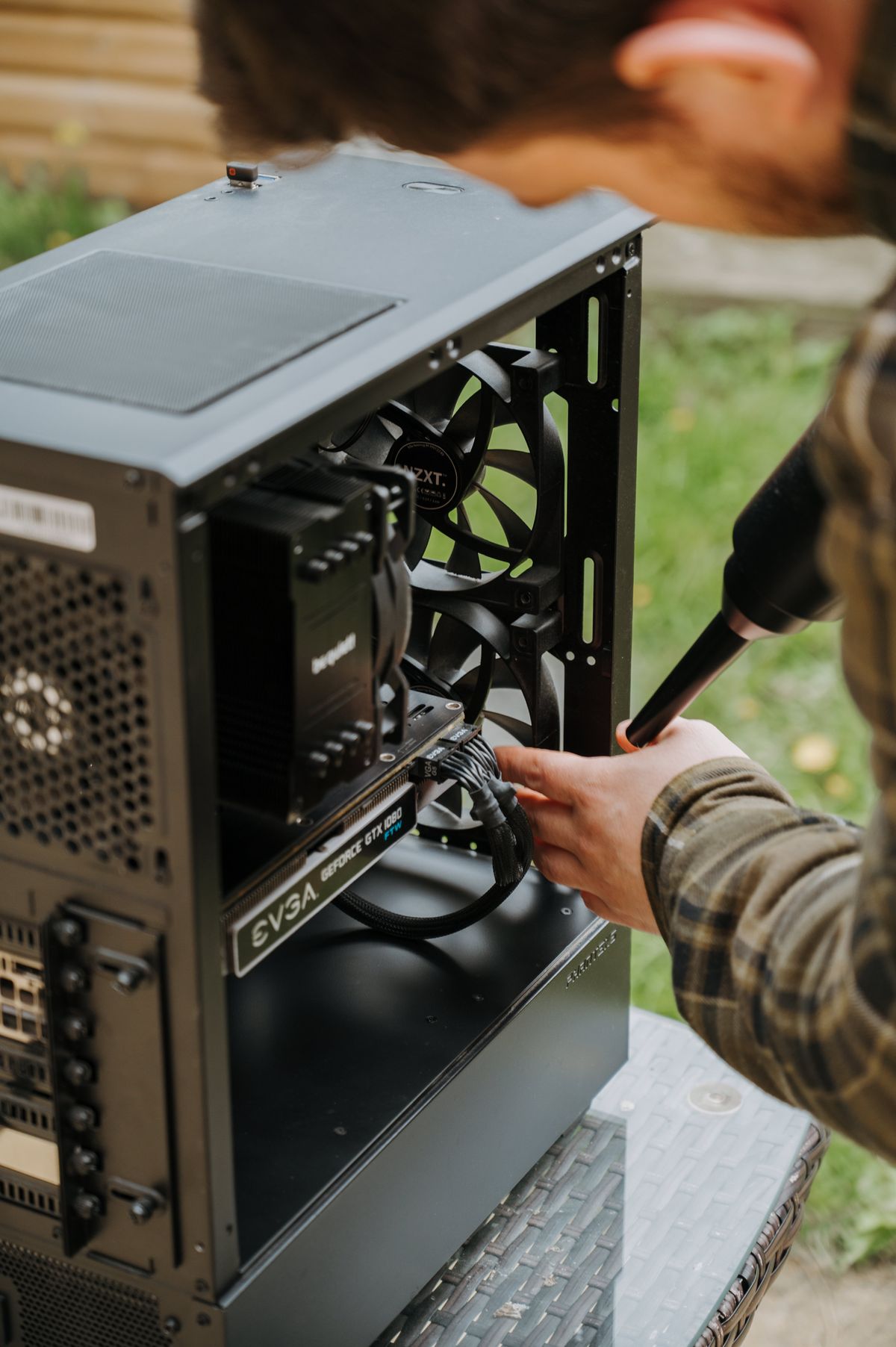
How often should a gaming laptop be cleaned? Check the fans and exhaust fins every six to twelve months if the machine runs hot or lives in a dusty room. Dust is the cheapest performance loss to fix.
Conclusion
Start with the screen and the physical chassis, then pick the GPU tier that fits the resolution you chose, then confirm the processor does not hold it back for your genres. Verify the wattage and the cooling design on the exact configuration in front of you, not the family name in the advertisement. Finally, weigh the warranty and the parts network as seriously as the frame rate. Do that and the machine you end up with will still feel right two years from now, when the model number has already been forgotten.









Comments 0
Sign in to join the conversation.
No comments yet. Be the first to say something.