

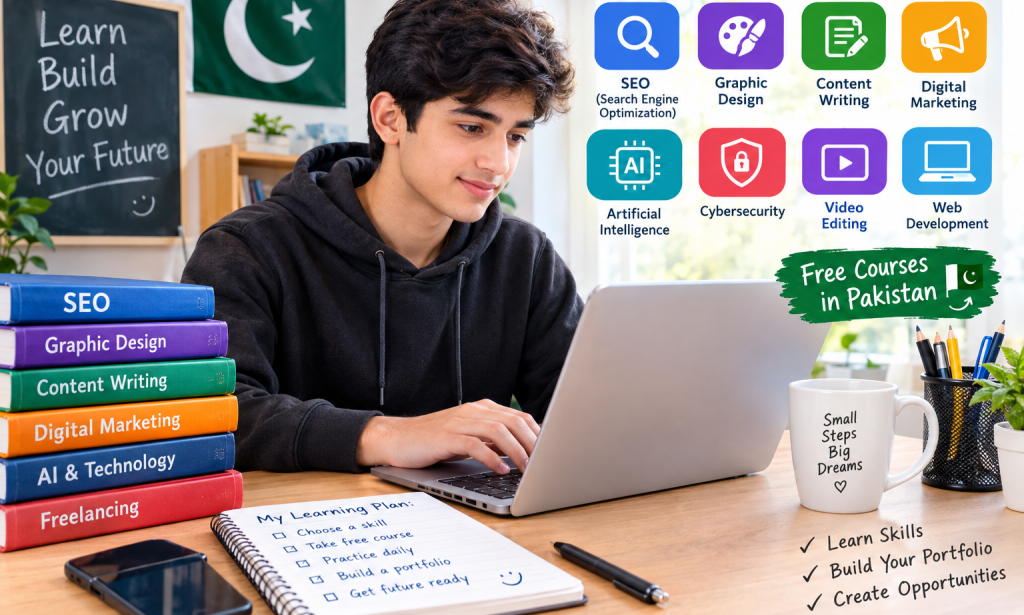
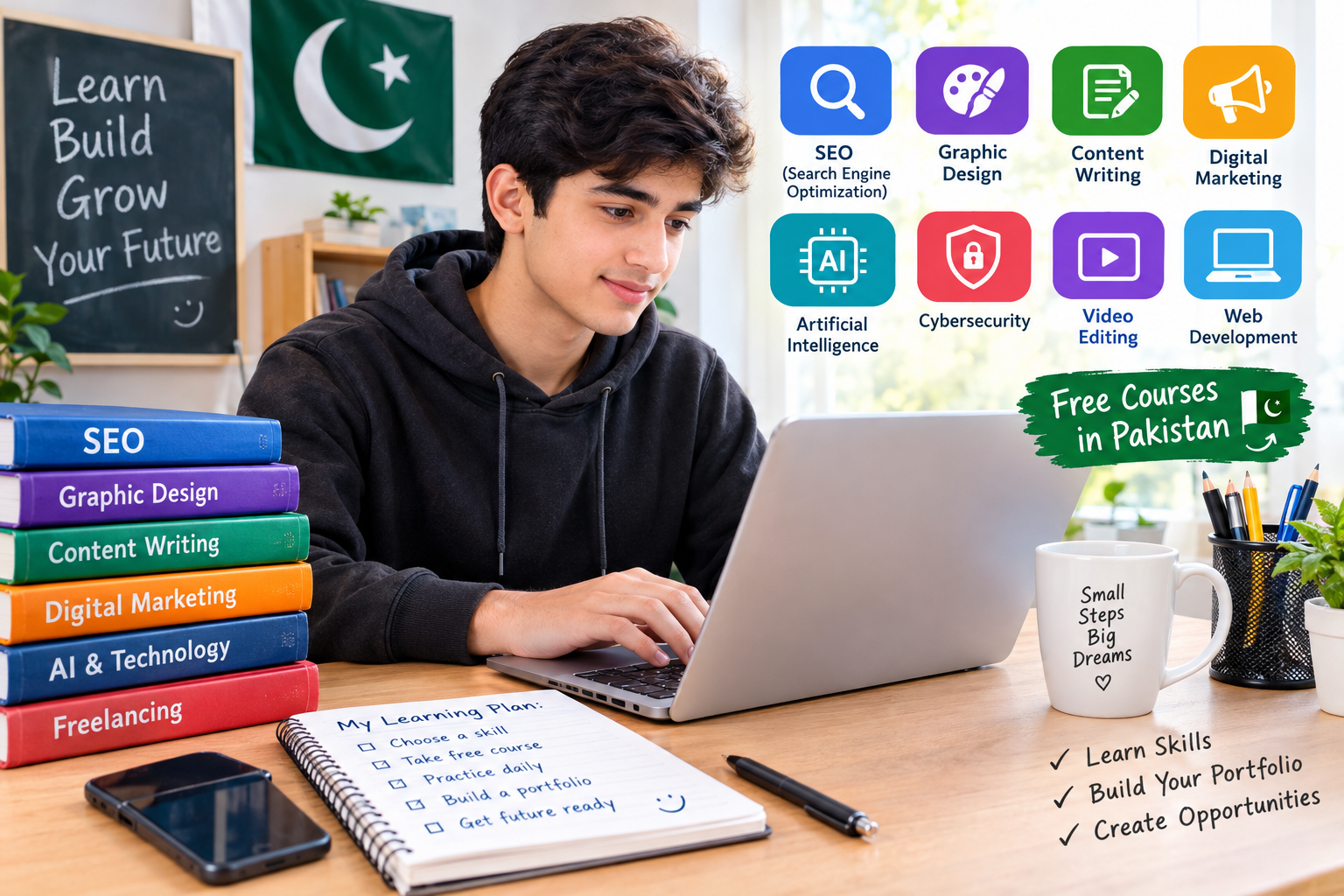
Learning digital skills can help students prepare for future careers, complete projects, and understand how online work operates. In Pakistan, students can explore subjects such as search engine optimization, graphic design, digital marketing, artificial intelligence, and freelancing without immediately spending money on expensive training.
The best way to begin is to choose one skill, learn its basics, practise regularly, and build examples of your work. A course certificate may be useful, but practical knowledge and the ability to complete real tasks are also important.
This guide explains which digital skills beginners can explore, where to find learning resources, and how to create a realistic learning plan.
1. What Are Digital Skills?
Digital skills are abilities that help people use technology to complete tasks. Some are basic, such as using email, managing files, creating documents, and searching for reliable information online. Others require more practice, such as designing graphics, editing videos, building websites, or improving content for search engines.
Digital skills are useful in education and many types of work. A student who learns document formatting can prepare better assignments. Someone who learns graphic design can create posters and social media graphics. A beginner who studies SEO can learn how websites organise information to help people find it through search engines.
You do not need to learn every skill at once. Start with one that matches your interests and the equipment you have available.
2. Explore Free Digital Skills Courses in Pakistan
One place to investigate is DigiSkills.pk, a Pakistani online training programme supported by the Ministry of Information Technology and Telecommunication through Ignite and executed by Virtual University of Pakistan. Its official website lists courses in areas such as freelancing, creative writing, graphic design, SEO, digital marketing, and digital literacy.
The programme's FAQ says its training is free. However, course availability and enrolment dates can change, so check the official website before planning your studies.
Visit: https://www.digiskills.pk/
Another option is the Ministry of Federal Education and Professional Training's digital skills initiative. Its October–December 2026 campaign offers free, self-paced Cisco courses covering introductory artificial intelligence and cybersecurity. The advertised enrolment window runs from 13 October to 7 December 2026; check the official site for current eligibility and registration details.
Visit: https://skills.moe.gov.pk/
Read the requirements carefully before signing up. Choose a course suitable for your age, current knowledge, language, and available study time.
3. Learn Search Engine Optimization (SEO)
Search engine optimization, commonly called SEO, involves improving website content so search engines can understand it and people can find useful information more easily.
For example, a person writing an article about studying might research phrases such as “study tips for students” or “how to improve concentration.” They should then write a genuinely helpful article that answers the reader's question instead of repeating the same phrase unnecessarily.
Beginners can practise SEO by learning how to:
- Choose a clear topic and main keyword.
- Write an accurate, descriptive title.
- Create a useful summary.
- Organise information with headings.
- Write short, readable paragraphs.
- Add relevant images with appropriate descriptions.
- Check facts and correct spelling.
SEO is a useful skill for bloggers, website owners, and content writers. However, learning SEO does not guarantee that a page will appear at the top of Google or receive a particular number of views.
4. Try Graphic Design
Graphic design involves communicating ideas through images, colours, layouts, and text. It is used for posters, presentations, educational materials, advertisements, and social media graphics.
Students can begin by learning the basics of layout, contrast, spacing, typography, and colour combinations. Tools such as Canva can help beginners practise creating simple designs using a phone or computer.
Start with small projects. For example, design a study timetable, a school event poster, or an infographic explaining a science topic. Make sure the text is readable and the information is accurate.
Save your best original designs in a portfolio. A portfolio is a collection of examples that shows what you can do. It can be more helpful to a potential client than simply saying that you have completed a course.
5. Develop Writing and Content Creation Skills
Writing is another practical digital skill. Websites need articles, explanations, product descriptions, tutorials, and other forms of useful content.
To improve your writing, choose a subject you understand and explain it in simple language. Give the reader a clear answer, use examples, and organise the article into logical sections. Read your work again to find unclear sentences, repeated ideas, and spelling mistakes.
You can practise by writing about education, technology, everyday problems, or local topics that readers may want to understand. Research facts before publishing, especially when writing about health, money, or public services.
Artificial intelligence tools can help with brainstorming, outlines, and proofreading, but you should check their output carefully. They can make mistakes or produce unsupported claims. Your finished article should reflect your own judgement and provide genuine value rather than copying text from another website.
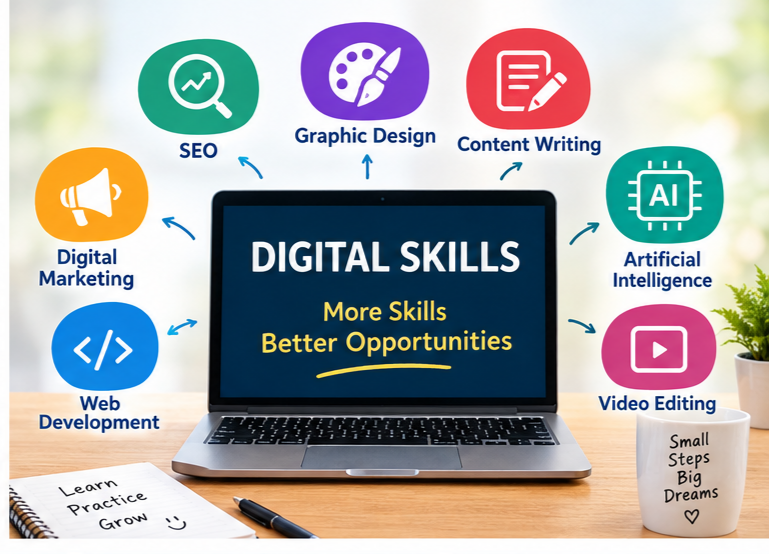
6. Understand Artificial Intelligence and Digital Safety
Artificial intelligence (AI) tools can assist with tasks such as brainstorming, summarising information, translating text, and organising ideas. Learning to use them responsibly is becoming a useful part of digital literacy.
Begin by practising clear instructions and checking whether the result is correct. Do not automatically trust every answer an AI tool provides. Compare important claims with reliable sources and avoid sharing passwords, private documents, or sensitive personal information.
Cybersecurity is equally important. Learn how to create strong, unique passwords, recognise suspicious messages, use two-factor authentication where available, and protect your accounts.
The official government-linked skills initiative at skills.moe.gov.pk lists introductory AI and cybersecurity courses. These can be options for students who want structured lessons rather than relying only on random online videos.
7. Learn Basic Video Editing and Digital Communication
Video editing can help students produce educational clips, presentations, tutorials, and short informational videos. Beginners can start by learning how to trim clips, arrange scenes, add readable captions, balance audio, and export a video in the correct format.
Practise with footage you have permission to use. Avoid using copyrighted music, images, or video clips without the necessary rights.
Digital communication is another important skill. Learn to write polite emails, explain a problem clearly, name files sensibly, and meet agreed deadlines. These habits help when working on school projects and collaborating with others.
You do not need expensive equipment to practise basic editing and communication. Start with the tools available to you, and upgrade only when you understand what additional features you actually need.
8. How to Choose the Right Skill
Choosing a skill can feel difficult because there are so many options. Instead of selecting a course only because someone promises high earnings, consider what you enjoy and what you can practise consistently.
Use these questions to guide your choice:
- Do I enjoy writing, designing, technology, or solving problems?
- Can I practise this skill using my phone or available computer?
- Are the lessons understandable in a language I know?
- Will I be able to create examples of my work?
- Does the course explain the actual skill rather than promising guaranteed income?
If you enjoy writing, consider creative writing or SEO. If you like visual work, explore graphic design or video editing. If you are curious about computers, consider digital literacy, web development, AI, or cybersecurity.
Choose one main skill for your first month. You can explore other areas after you have built a basic foundation.
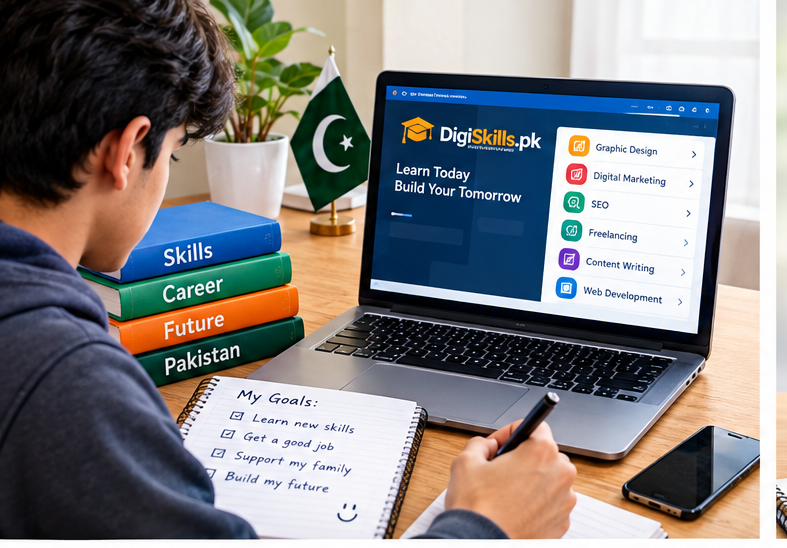
9. A Simple 30-Day Learning Plan
A practical schedule makes it easier to turn a course into a real ability.
Week 1: Learn the basics. Choose one beginner course and study a small lesson each day. Write down important ideas and practise using the tool or method being taught.
Week 2: Practise with small tasks. If you chose SEO, improve the title and headings of an original practice article. If you chose design, create two different posters. If you chose video editing, produce a short educational clip.
Week 3: Build a small project. Create one complete piece of work that demonstrates what you have learned. Check its accuracy, presentation, and usefulness.
Week 4: Review and improve. Compare your project with your earlier attempts. Ask a teacher, trusted adult, or knowledgeable person for feedback. Correct the problems and save the improved version in your portfolio.
By the end of the month, you may have a stronger foundation and at least one project to show. Your progress will depend on your starting level, available time, and the difficulty of the skill.
10. Can Students Earn Money From Digital Skills?
Some people use digital skills to pursue freelance projects, employment, or small businesses. However, completing a course does not automatically lead to paid work. Clients usually need evidence that a person can complete a task reliably.
Build your skills first, then prepare a small portfolio and learn how to communicate professionally. Research the rules of any platform before creating an account. Some services have minimum-age requirements or require a parent or guardian to manage an account for younger users.
Be careful with offers that promise guaranteed income, ask for large upfront payments, or request unnecessary personal information. Never pay someone simply because they claim they can guarantee you a job.
If you are still studying, protect your education and avoid taking on commitments that interfere with schoolwork. Learning steadily is more valuable than rushing into an online opportunity you do not understand.
Frequently Asked Questions.
1 : Are free digital skills courses available in Pakistan?
Yes. DigiSkills.pk lists free online training, and the government-linked skills initiative at skills.moe.gov.pk has advertised free introductory AI and cybersecurity courses. Always check current enrolment information and eligibility on the official sites.
2 : Can I learn digital skills using only a mobile phone?
You can begin learning writing, basic design, digital literacy, and some video editing on a phone. Some advanced tasks are easier on a computer, so check the requirements of your chosen course before starting.
3 : Which digital skill should a beginner learn first?
Choose one that matches your interests and available equipment. Writing and SEO may suit someone who enjoys explaining ideas, while graphic design may suit someone who likes visual creativity.
4 : Will a certificate guarantee a job or income?
No. A certificate can show that you completed training, but it does not guarantee employment, clients, or earnings. Practical ability, a portfolio, communication, and reliability also matter.
5 : How much time should I spend learning each day?
Start with a manageable routine, such as 30–60 minutes when your schedule allows. Consistent practice and completing small projects are more useful than studying for long hours without applying what you learn.
Conclusion
Free digital skills courses can give students in Pakistan an accessible way to explore technology and prepare for future opportunities. Options include SEO, graphic design, content writing, AI, cybersecurity, and video editing.
Start by choosing one skill, finding a trustworthy learning resource, and following a realistic study plan. Practise what you learn, create original projects, and improve them through feedback.
Remember that real progress takes time. A useful skill, a strong portfolio, and responsible online habits can provide a better foundation for future opportunities than chasing quick-money promises.
DigiSkills Pakistan: https://www.digiskills.pk








Comments 0
Sign in to join the conversation.
No comments yet. Be the first to say something.